 BYD Tech
The short answer
To build an MVP, pick one kind of user and the one job they need done, cut everything that job does not need, test the flow as a clickable prototype, then build that flow as real software and put it in front of real users. The goal is not a small product. It is the fastest honest answer to one question: will people use this?
Key points
- An MVP answers one question about demand. Decide the question before the features.
- One user type and one core job is enough for a first version.
- Do by hand anything that software does not have to do yet.
- Test a clickable prototype before paying for code.
- Own the code, the cloud account and the domain from the first day.
What an MVP is, and what it is for
A minimum viable product is the smallest version of a product that real users can sign up for and use. Eric Ries, who made the term common in The Lean Startup, describes it as the version that lets a team collect the most validated learning about customers with the least effort. That second half matters more than the first. An MVP is a way to learn, and the product is how you run the test.
So the first decision is not which features to build. It is which question you need answered. "Will plumbers book jobs through an app instead of by phone?" is a question an MVP can answer. "Is my idea good?" is not.
Step 1: Pick one user and one job
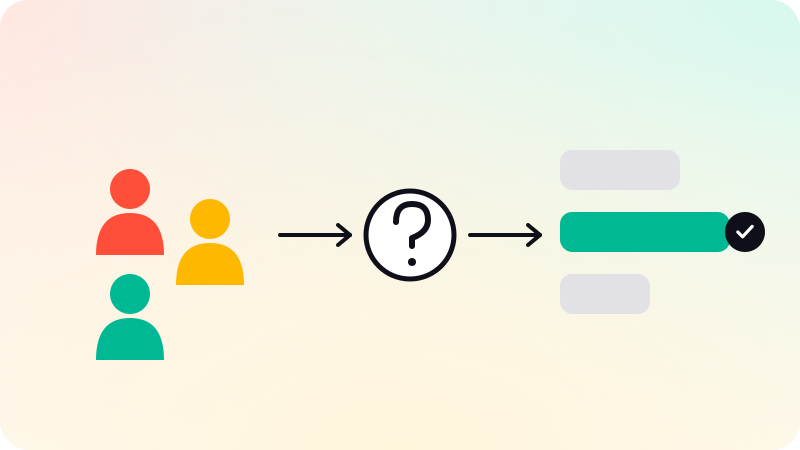
Write one sentence in this shape: a specific person, in a specific situation, wants to get a specific thing done. Most first products have two or three user types, such as a customer, a provider and an admin. Choose the one whose problem is sharpest and serve the others by hand for now.
If you cannot name ten real people who have this problem today, stop here and talk to people before you build anything. Y Combinator gives the same advice in its MVP guidance: launch something small quickly, to a small group of users who have the problem badly, and learn from them.
Step 2: Cut the feature list
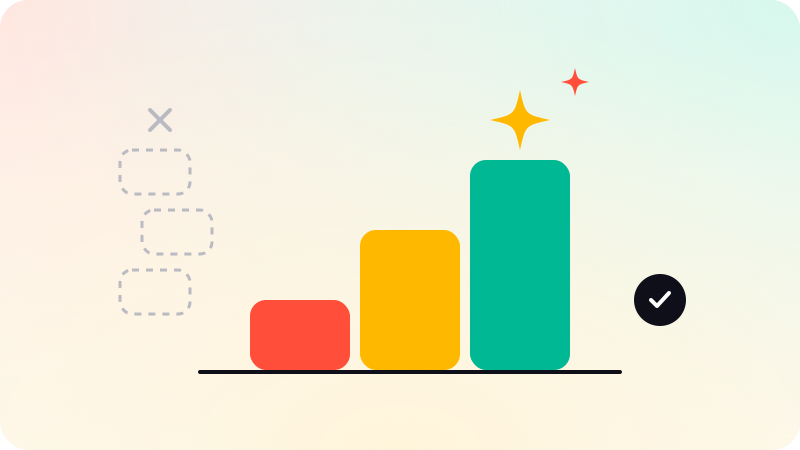
Most first feature lists hold two or three versions of the product. For every line, ask one question: would the user still get the main value without this? If yes, it waits.
- Things that usually wait: chat, notifications beyond email, extra languages, detailed reports, a custom admin panel, social login, a mobile app when a web app would prove the same thing.
- Things that rarely wait: sign-up, the one core workflow, and a way to take money if charging is part of what you are testing.
- Things to do by hand at first: onboarding, approvals, matching, support. Paul Graham’s essay Do Things That Don’t Scale makes the case that doing these manually is how early products learn what to automate.
Step 3: Test a clickable prototype first
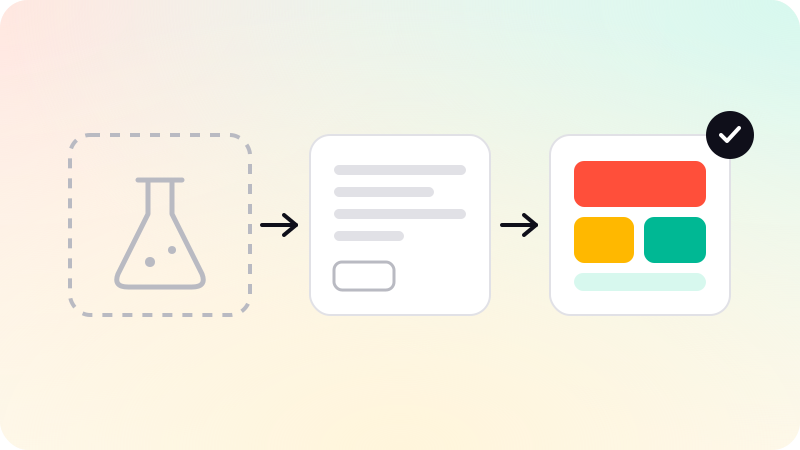
Before any code, design the main flow and link the screens together so you can tap through them on a phone. Put that in front of five people who have the problem and watch where they hesitate. A prototype costs a fraction of what software costs to change, and it settles arguments about the flow while they are still cheap to settle.
A prototype is not an MVP. Nothing real happens behind its screens. The difference, and when you need a proof of concept instead, is covered in MVP vs prototype vs proof of concept.
Step 4: Choose how to build it
| Route | Fits when | Watch for |
|---|---|---|
| No-code or an AI app builder | The idea can be tested with standard screens and simple rules. | Custom logic, payments and growth get harder. See vibe coding to production. |
| A freelancer | The scope is small and you can judge the work or have someone who can. | One person is a single point of failure, and reviews are your job. |
| A studio or agency | You want design, build and launch from one team, and code you own. | Ask who writes the code, where it lives, and who you talk to. |
| A technical co-founder | The product is the company and you need someone for years, not for v1. | Finding the right person can take longer than building the MVP. |
Whichever route you take, three things should be in your name from the first day: the code repository, the cloud account, and the domain. A product you cannot move is a product you do not own.
Step 5: Build in small steps you can see
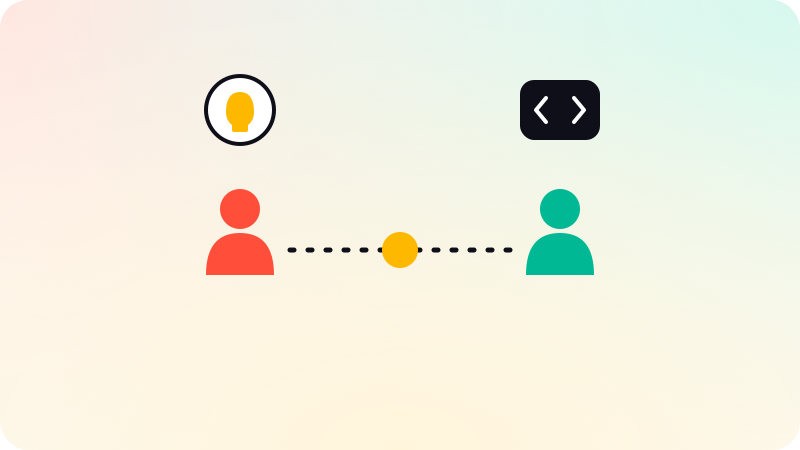
Ask for a preview link you can open yourself, and use it. Progress you can click is the only kind a non-technical founder can check. A written scope with a cut list, a board in plain English, and a reason for every technical choice are worth more than a long status report.
This is how we run MVP development at BYD Tech: scope first, a clickable flow before code, and v1 in your own GitHub.
Step 6: Launch small, then decide what v2 is
Launch to a handful of users you chose, not to everyone. Watch what they do, which is often different from what they said they would do. The useful numbers at this stage are plain ones: how many signed up, how many finished the core job, how many came back.
Then decide. If people use the core flow, v2 is whatever they asked for most. If they do not, change the user, the job or the offer before adding features. More features rarely fix a product nobody uses.
Sources
Checked when this guide was written.