 BYD Tech
The short answer
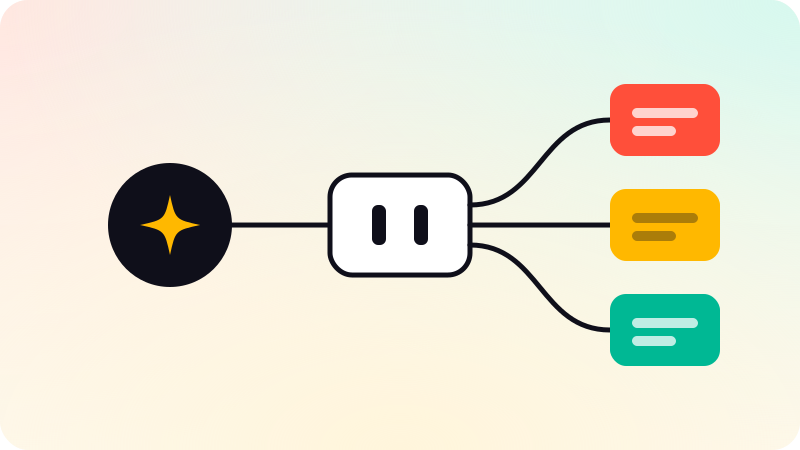
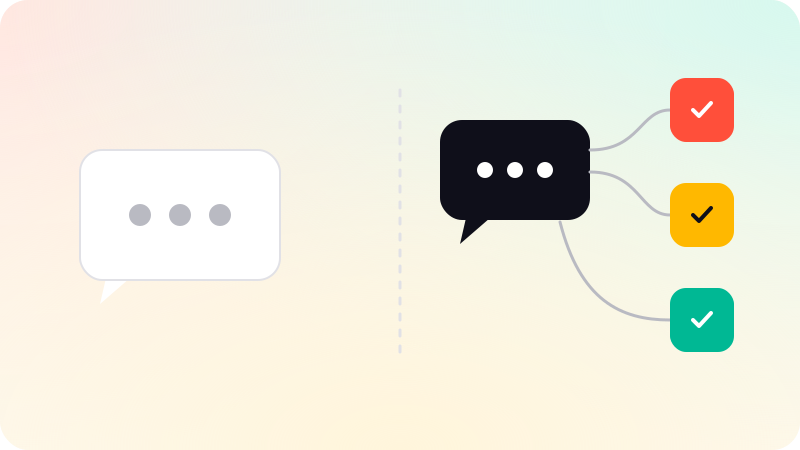
A chatbot answers questions, from a script or from your help content. An AI agent goes further: it reads a request, decides what to do next, and takes steps in your tools, such as looking up an order, drafting a reply or updating a record, within limits you set. If the job ends with an answer, a chatbot is enough. If the job ends with something done, you need an agent.
Key points
- Chatbot: the job ends with an answer.
- AI agent: the job ends with an action in one of your systems.
- An agent needs limits written in code, not only in its instructions.
- Start with one job that is frequent, boring and easy to check.
- Keep a person in the loop wherever a mistake would be costly.
The difference in one table
| Chatbot | AI agent | |
|---|---|---|
| What it does | Answers questions | Decides the next step and acts |
| Where it works | In a chat window | Inside your tools: helpdesk, CRM, database |
| What it needs | Your help content | Your content, access to tools, and rules |
| How it fails | A wrong or vague answer | A wrong action, unless limits stop it |
| Good first use | Common questions out of hours | Drafting replies, updating records, first-pass document reading |
The line between them is not the technology. Both can use the same language model. The line is whether the system is allowed to do things. Anthropic’s engineering guide draws a similar distinction between workflows, where the steps are fixed in code, and agents, where the model chooses its own steps and tools.
When a chatbot is the right answer
If most questions are already answered somewhere in your help center, a chatbot that answers only from that content is quick to set up and easy to trust. The built-in assistants in tools such as Intercom and Zendesk are made for exactly this, and for many teams they are the sensible choice. We say so when that is the case.
- The questions repeat and the answers already exist in writing.
- Nothing needs to be looked up or changed in another system.
- A wrong answer is an inconvenience, not a loss.
When you need an agent
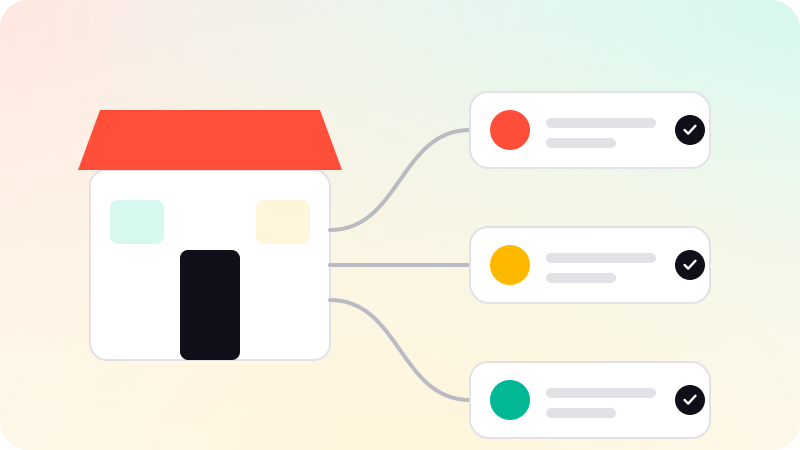
You need an agent when answering is not enough. The customer does not want to be told how refunds work. They want the refund. The sales rep does not want a summary of the call. They want the CRM updated and the follow-up drafted.
- Support: triage new tickets, draft replies from your help center and order data, hand off with a summary when unsure.
- Sales operations: update the CRM from forms, emails and call notes, and draft follow-ups for a person to send.
- Documents: take the first pass at invoices, purchase orders and contracts, and send anything uncertain to a person.
How an agent reaches those tools is increasingly standardized. See What is an MCP server? for the protocol most assistants now use.
What changes when software can act
A chatbot that is wrong gives a bad answer. An agent that is wrong does a bad thing. That is the whole reason agents need more care, and it comes down to three habits.
- Put limits in code. A refund cap written in the prompt can be argued with. A cap enforced by the system cannot.
- Test on real history first. Run the agent against past tickets or documents and read every miss before it talks to a customer.
- Start with a person approving. Let it draft, and let a person send, until you have seen enough to trust a category of work.
How to choose
- Write down the one job you want off your team’s plate.
- Ask where that job ends. With an answer, or with something changed in a system?
- If it ends with an answer and the content exists, try your helpdesk’s built-in assistant first.
- If it ends with an action, or follows rules a template cannot hold, that is a job for a custom agent.
That last case is what we build in AI agent development: one job, tested on your real tickets before launch, with a human handoff built in.
Sources
Checked when this guide was written.