 BYD Tech
The short answer
AI-generated code usually works, which is exactly why its security problems go unnoticed. The common risks are the same as in any code, but appear more often when nobody reviews it: missing access checks, unvalidated input, secrets in the code, outdated or invented dependencies, and features with an AI model inside that can be manipulated by text. Treat AI output as a draft from a fast new developer: review it, test it, and scan it before it ships.
Key points
- Working code is not the same as safe code.
- Access checks and input validation are the most common gaps.
- Never let keys or passwords into the code or the browser.
- Check every dependency exists, is maintained, and is the one you meant.
- Every AI-written change should be reviewed by a person who understands it.
Why AI-written code needs a different kind of attention
AI coding tools produce plausible, working code very quickly. The risk is not that the code is worse than a person’s in every case. It is that there is more of it, it looks finished, and it is easy to accept without reading. Security problems rarely show up in a demo. They show up when someone looks for them.
The common risks
| Risk | What it looks like | Where it is listed |
|---|---|---|
| Broken access control | A user can read or change another user’s data by changing an ID | OWASP Top 10 |
| Injection | User input reaches a database query or a command unchecked | OWASP Top 10, CWE Top 25 |
| Secrets in code | API keys or passwords in the repository or sent to the browser | Common in AI-built prototypes |
| Risky dependencies | Outdated packages, or a package name that does not exist or is a lookalike | OWASP Top 10 |
| Prompt injection | Text in a document or message tells an AI feature to ignore its instructions | OWASP Top 10 for LLM Applications |
| Missing limits | No rate limit or spending cap on an endpoint or AI call | Easy to miss in a demo |
A risk specific to AI: invented packages
AI tools sometimes suggest installing a package that does not exist, or one whose name is close to a real one. If someone has registered that name with malicious code, installing it hands them a way in. Check that every new dependency is the real, maintained package you intended before it is added.
A review checklist before shipping
- Read the change. If nobody can explain it, it does not ship.
- Check access on the server for every request that reads or changes data.
- Validate input on the server, and use parameterized queries.
- Search for keys and passwords, and move them to a secrets store. Rotate any that leaked.
- Check new dependencies: real, maintained, and actually needed.
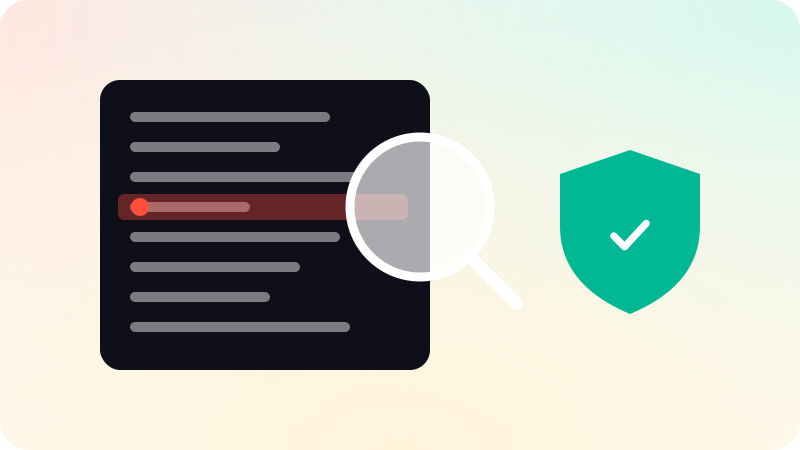
- Run automated checks: tests, dependency scanning and secret scanning in the repository.
- For AI features, treat model output as untrusted, and limit what tools it can call.
Keep the speed, add the checks
The answer is not to stop using AI tools. It is to put a person and automated checks between the AI and production. The broader picture for apps built mostly with AI is in Vibe coding to production, and for AI features in What is an AI agent?.
In our work AI drafts, and a named engineer reviews every change before it ships. That is the same rule whether we are building web apps or AI agents.
Sources
Checked when this guide was written.