 BYD Tech
The short answer
Build a web app first unless the product only makes sense on a phone. A web app runs in any browser, needs no store approval, and can be changed the same day. Build a mobile app first when the product depends on the camera, location, notifications or offline use, or when people will open it many times a day. A progressive web app sits in between and is worth considering before committing to two stores.
Key points
- Web app first is the right default for most new products.
- Mobile first when the phone’s hardware or daily habit is the product.
- A web app has no store review and one version for everyone.
- A PWA gives an installable, app-like experience from web code.
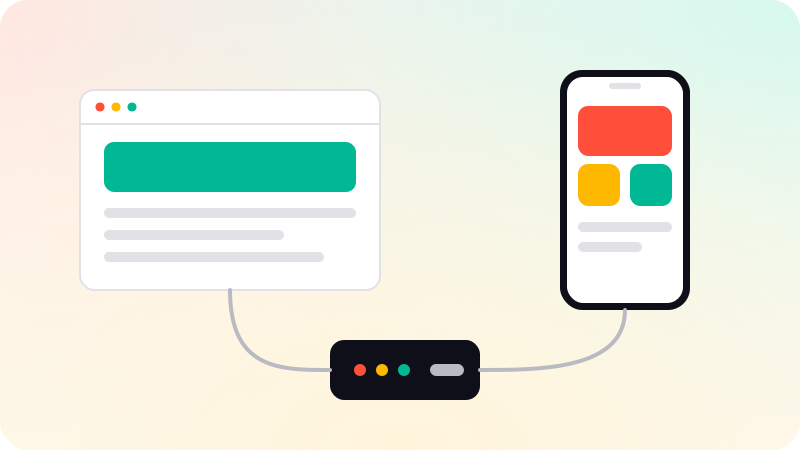
- You can share a backend and add the second platform later.
Side by side
| Web app | Mobile app | PWA | |
|---|---|---|---|
| Where it runs | Any browser | Installed from a store | Browser, and installable |
| Releasing a change | Immediate | After store review | Immediate |
| Device features | Limited | Full | Some |
| Works offline | Rarely | Yes, if built for it | Yes, with limits |
| Found through | Search and links | App stores | Search and links |
| Versions to maintain | One | One or two | One |
When a web app comes first
- People will use it at a desk: dashboards, admin tools, B2B software.
- You are still learning what the product should be, and need to change it often.
- Users arrive from search, email or a shared link, and should not have to install anything.
- The first version has to work for everyone, on any device, from one codebase.
A responsive web app also works on a phone’s browser. For many products that is enough to test demand before paying for a store presence. We build these in web app development.
When a mobile app comes first
- The product needs the camera, GPS, Bluetooth, contacts or background location.
- It must keep working with no signal, such as apps for field teams.
- People will open it several times a day, and notifications are part of the value.
- Customers expect to find it in the App Store or Google Play.
One codebase can serve both iPhone and Android. The trade-offs are in React Native vs Flutter, and what store review checks is in App Store rejection reasons.
Where a PWA fits
A progressive web app is a web app built to behave more like an installed one. It can be added to the home screen, open in its own window, load quickly on a poor connection and work offline for the parts you prepare. It is still one codebase served from the web.
It suits products where reach and fast updates matter more than deep device access. Support for individual features, such as notifications, differs between browsers and operating systems, so check the ones your users have before relying on them.
How to choose
- Where will people be when they use it: at a desk, or out with a phone?
- Does it need device hardware or offline use? If yes, mobile.
- How often will they open it? Daily habit favors mobile. Occasional use favors web.
- How will they find it? Search and links favor web. Store search favors mobile.
- How fast is the product changing? Fast change favors web.
You rarely have to choose forever. Build the backend once, with a clean API, and the second platform becomes an addition, not a rebuild.
Sources
Checked when this guide was written.