 BYD Tech
The short answer
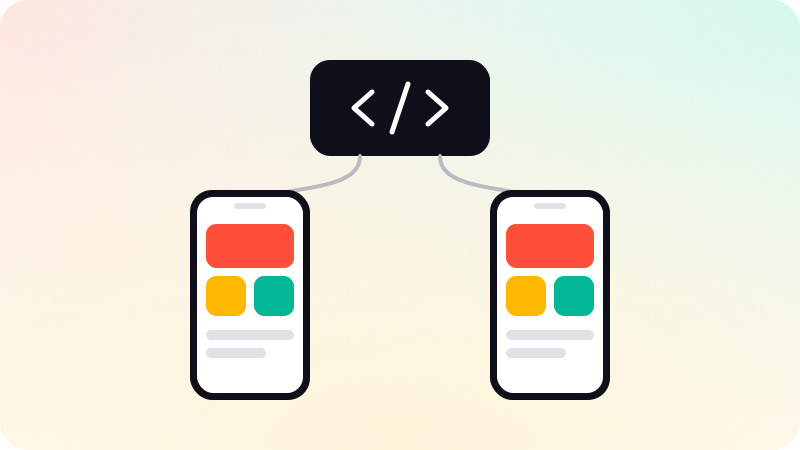
React Native and Flutter both let one team build one app for iPhone and Android. React Native uses JavaScript or TypeScript and draws with each platform’s own native components. Flutter uses Dart and draws every pixel itself. For most startup apps both are good enough, so the better choice is usually the one your team, and the people you will hire later, already know.
Key points
- Both ship real apps to the App Store and Google Play from one codebase.
- React Native: JavaScript or TypeScript, native platform components, shares skills with web teams.
- Flutter: Dart, its own rendering engine, the same look on every device.
- For a first app, team skills and hiring matter more than benchmarks.
- Neither removes store review, device testing or the need for some native code.
Side by side
| React Native | Flutter | |
|---|---|---|
| Made by | Meta | |
| Language | JavaScript or TypeScript | Dart |
| How it draws the screen | The platform’s own native components | Its own rendering engine, Impeller |
| Look and feel | Follows each platform by default | Identical on both unless you style per platform |
| Shares with a web team | Language, React patterns, many libraries | Little, unless the web app is also Flutter |
| Usual starting point | Expo | The Flutter SDK |
What React Native is like
React Native lets developers write the app in JavaScript or TypeScript with React, and renders real native components on each platform. Since version 0.76 its New Architecture is on by default. It removed the old asynchronous bridge between JavaScript and native code, which was the source of many of the performance complaints from earlier years.
The React Native documentation recommends starting with a framework, and Expo is the one most teams use. Expo handles builds, updates and most device features, so a small team spends its time on the product instead of on build tooling.
- Strong fit when your web app is already React or Next.js: one language, shared habits, some shared code.
- A very large pool of JavaScript and TypeScript developers to hire from.
- Platform-native feel without extra work, because the components are the platform’s own.
What Flutter is like
Flutter apps are written in Dart. Instead of using each platform’s components, Flutter paints every pixel with its own rendering engine, so a screen looks the same on an old Android phone and a new iPhone. That is a real advantage when the design is highly custom or brand-led.
- Strong fit for heavily custom interfaces and animation.
- One consistent look across devices and OS versions.
- Dart is easy to learn, but fewer developers arrive already knowing it.
What actually matters for a first app
- Who will build it, and who will maintain it? Pick what that team knows well.
- Do you also have a web app? If it is React, React Native keeps one language across the product.
- How custom is the design? Very custom, animation-heavy designs lean toward Flutter.
- Which device features do you need? Check that camera, payments, maps or Bluetooth are well supported before you commit.
- Who can you hire next year? Look at your local market, not at global charts.
Raw performance is rarely the deciding factor. Both frameworks run ordinary business apps, such as booking, ordering, field work and dashboards, smoothly. Apps with heavy graphics or unusual hardware needs are the exception, and those sometimes call for fully native code.
What neither one fixes
- Store review. Apple and Google still review the app, and each has its own rules.
- Developer accounts. They should be in your company’s name, and setting them up takes time.
- Testing on real devices. One codebase still behaves differently on different phones.
- Some native code. Most apps need a little Swift or Kotlin somewhere.
Our mobile app development uses React Native: one codebase for iPhone and Android, published under your own developer accounts.
Sources
Checked when this guide was written.