 BYD Tech
The short answer
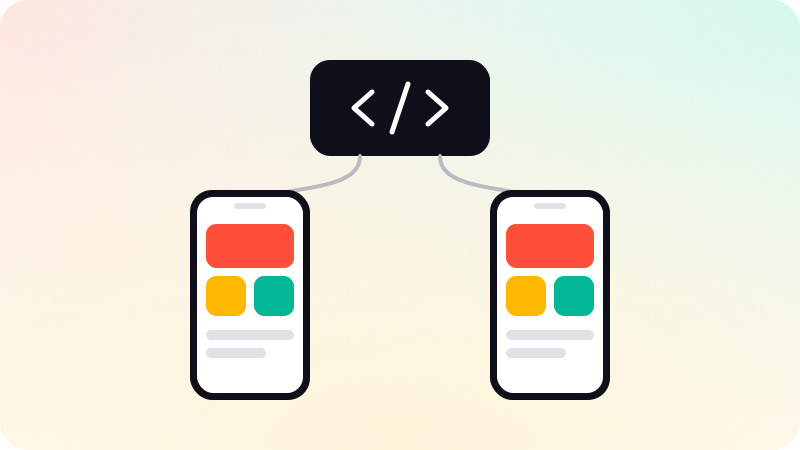
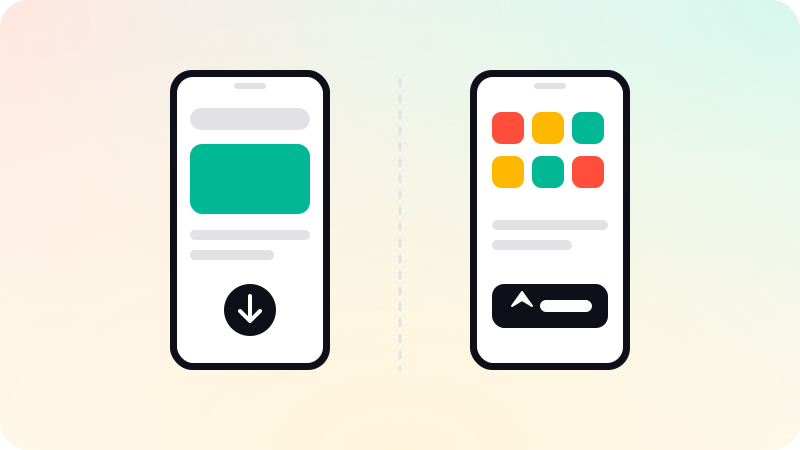
A progressive web app, or PWA, is a website built to behave like an app: it can be installed, open full screen and work offline, from one codebase with no store review. A native app is built for iOS or Android, installed from a store, and has full access to the device. Choose a PWA for reach and fast updates, and a native app when you need deep device features, the best performance, or a place in the app stores.
Key points
- A PWA is one web codebase that installs and works offline.
- A native app has full device access and a store listing.
- PWAs update instantly. Native apps wait for store review.
- Feature support for PWAs still differs between browsers and platforms.
- A cross-platform native app is the usual middle path.
Side by side
| PWA | Native app | |
|---|---|---|
| Built with | Web technology | Swift, Kotlin, or a cross-platform framework |
| Installed from | The browser | App Store and Google Play |
| Updates | Immediate, on your schedule | After store review |
| Device access | A growing but partial set | Everything the platform offers |
| Offline | Yes, for what you cache | Yes |
| Discovery | Search engines and links | Store search and links |
| Codebases | One | One with cross-platform tools, otherwise two |
What a PWA can do
A PWA is still a website. Three additions make it feel like an app: a manifest file that lets it be installed with its own icon, a service worker that caches files so it loads fast and works offline, and a layout designed for the phone.
- Installable to the home screen on Android, iOS and desktop.
- Works offline or on a poor connection for the parts you prepare.
- Push notifications, including on iPhone and iPad for web apps added to the home screen since iOS 16.4.
- One address that search engines can index and people can share.
What it cannot do as reliably: background work, some hardware such as Bluetooth on every platform, and anything a browser has not exposed. Check the specific features you need on the specific devices your users have.
What a native app gives you
- Full access to the camera, sensors, Bluetooth, background location and system features.
- The smoothest performance for graphics-heavy or complex interfaces.
- A listing in the App Store and Google Play, where many users look first.
- System integrations such as widgets, share menus and in-app purchase.
Native does not have to mean two separate apps. Frameworks such as React Native build real native apps for both platforms from one codebase. See React Native vs Flutter.
How to choose
- List the device features the product truly needs. If a browser supports them all, a PWA is possible.
- Ask how people will find it. Through search and links, a PWA fits. Through store search, go native.
- Ask how often it will change. Daily changes favor a PWA.
- Ask whether you sell digital goods in the app. Store rules on in-app purchase apply to native apps.
- Consider both in sequence: a PWA to prove demand, a native app when users ask for it.
Common mistakes
- Wrapping a website in a native shell and submitting it. Apple’s guidelines ask for more than a repackaged site, as covered in App Store rejection reasons.
- Choosing a PWA to avoid store rules, then discovering a needed feature is missing on iPhone.
- Building two native apps before knowing whether anyone wants one.
The wider question of web or mobile first is in Web app vs mobile app. We build both kinds: web apps and iPhone and Android apps from one codebase.
Sources
Checked when this guide was written.