 BYD Tech
In short
site-agent is an open-source npm package, MIT licensed, that adds one tag, <site-agent>, to a web page. Visitors type what they want, and the agent calls only the WebMCP tools your page declared, asks the visitor before anything that changes data, keeps the model provider’s API key off the browser and records every run so it can be replayed without the model. WebMCP is not a web standard yet, so treat it as early.
Key points
- One tag, <site-agent>, on a page that declares its actions as WebMCP tools.
- The agent never drives the page: no clicking, no reading arbitrary elements, no DOM fallback.
- Every call that changes data asks the visitor first, and a tool marked consequential always asks.
- Models: Chrome’s built-in model, your own server proxy or your own function. The API key never sits in the browser.
- No runtime dependencies, about 17 kB gzipped, no telemetry.
- WebMCP is a draft incubated in a W3C community group, and tool-choice accuracy has not been measured for any model.
What site-agent is, and why we built it
Most websites already have the actions a visitor wants: search the catalog, compare plans, add to cart, book a slot. Finding them still means menus, filters and forms. Many visitors would rather just ask: “find the plan with SSO”, “add two of these to my cart”.
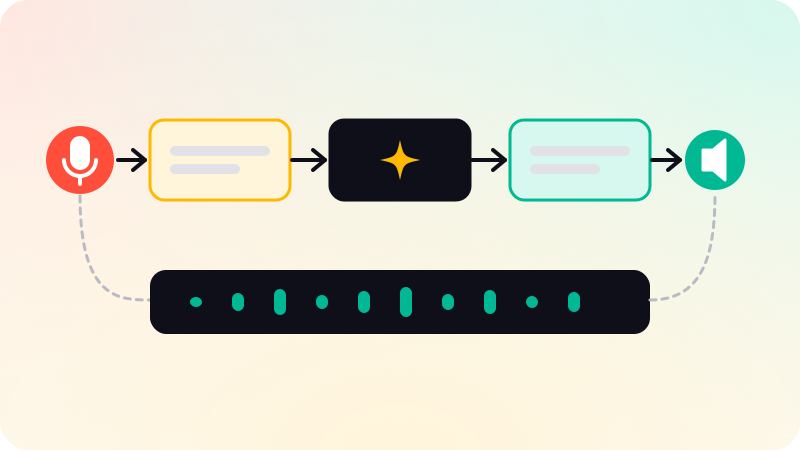
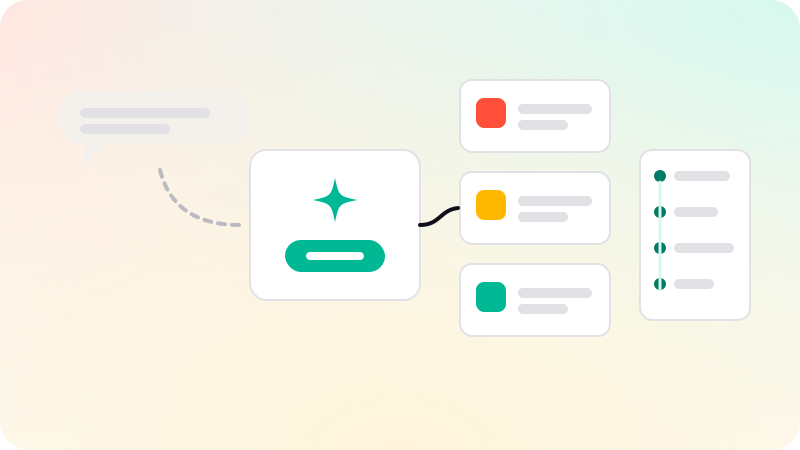
We published site-agent, an npm package under the MIT license, to let them. It is one custom element, <site-agent>, that opens a small panel where the visitor types a request in plain words. An AI model picks one of the actions your page has declared, the visitor approves it if it changes anything, and your own code runs it.
In-page agents often work the other way: they read the page, click whatever looks right and sometimes ship with an API key in the browser. That makes them hard to predict and easy to abuse. site-agent takes the strict route. The page declares its actions as WebMCP tools, and the agent can call those and nothing else. If a task has no declared tool, it says so instead of trying to click its way through. What is an MCP server? explains the tool idea WebMCP borrows, and computer-use agents covers the click-the-screen approach this avoids.
How it works
- Declare tools. Your page registers each action with WebMCP: a name, a description, a JSON Schema for its input, hints such as read-only or consequential, and the function that does the work. In browsers without WebMCP, the package installs a small local shim so the same registration code runs.
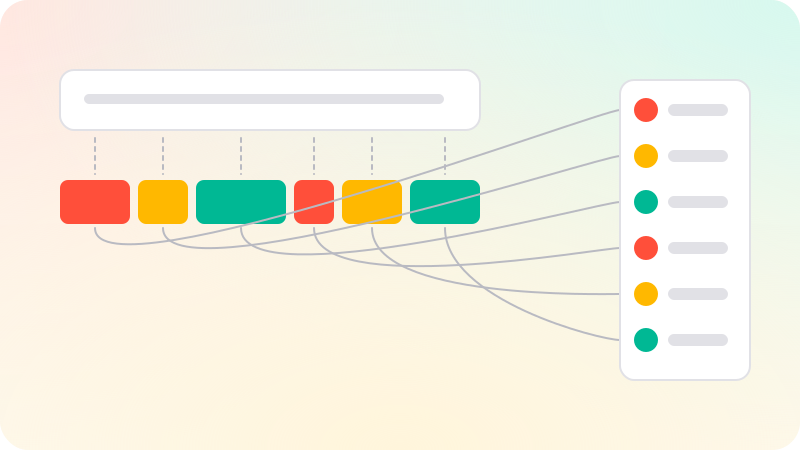
- The visitor asks. The agent sends the request and the list of declared tools to the model, which answers in words or picks one tool and its arguments.
- The agent checks the call. A tool name that was not declared, or arguments that fail the tool’s schema, is not run; the error goes back to the model.
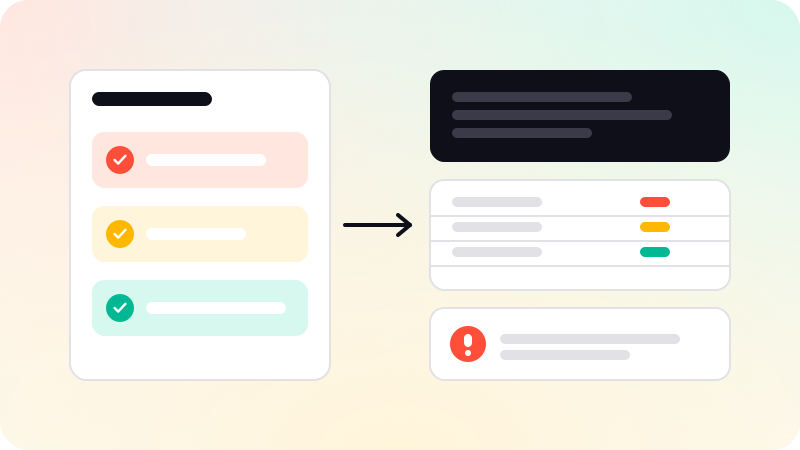
- The visitor confirms. A read-only tool runs straight away. Anything else shows a card with the tool’s name, its description, each argument as a labeled line and Allow and Deny buttons.
- Your code runs the tool, and the result goes back to the model, one tool call at a time, up to a step limit you set.
- The run is recorded. Every run produces a JSON trace, and replay runs the same tool calls again without the model, under the same confirmation rules, so a good run can become a test.
The rules the agent cannot break
These rules are enforced in the package’s code, outside the model, and covered by its tests. The model cannot talk its way past them, which is the same principle as in our guide to AI agent guardrails.
- Declared tools only. The agent sees what your page registered with WebMCP and nothing else. It never reads or clicks arbitrary elements and never evaluates code.
- Confirmation is on by default. Every call to a tool that is not marked read-only waits for the visitor. Without a confirm function, those calls are denied: nothing is allowed by default.
- You can pre-approve tools by name, but a tool marked consequential always asks, and no option turns that off.
- Output from untrusted tools is fenced as data. A tool marked as returning untrusted content, such as customer reviews, has its result wrapped and labeled as data, never instructions, and every call that changes something asks the visitor for the rest of the conversation. This lowers the risk of prompt injection; it does not remove it.
- Bounded runs: one tool call at a time, a step limit per message, a timeout per call, results cut to a set length and an abort that stops everything.
Model choices, and where the key lives
| Option | Where the model runs | Where the API key lives |
|---|---|---|
| Chrome’s built-in model | On the visitor’s computer, through Chrome’s Prompt API | There is no key |
| Your own server proxy | Wherever your endpoint sends it | On your server |
| Your own function | Wherever you choose | Your choice, and the package advises a server |
There is no option that takes a provider key in the browser. The package includes a small server helper that forwards requests to Anthropic, OpenAI or Gemini with a key read from your server’s secrets, and checks the requesting origin, request size and rate. Its README is plain that these checks limit cost and abuse; they are not authentication.
Chrome’s built-in model needs desktop Chrome on Windows, macOS, Linux or a Chromebook Plus, at least 22 GB of free disk and a capable GPU or 16 GB of RAM, so many visitors will not have it. With a proxy set, the tag uses Chrome’s model where it is ready and your endpoint everywhere else.
The package has no runtime dependencies, is about 17 kB gzipped for the core and the element, and sends no telemetry: the only network requests are to the proxy you configure.
Limits and status
- WebMCP is not a web standard. Its specification is a Draft Community Group Report of the W3C Web Machine Learning Community Group, which says it is neither a W3C Standard nor on the Standards Track, and Chrome Platform Status lists it as incubating in a community group.
- Chrome opened an origin trial for WebMCP in Chrome 149, planned to run through Chrome 156. In late September the Chrome team asked to extend it through Chrome 162, and we could not confirm whether that extension was approved, so check Chrome’s page for the current status. Developers can also try it locally behind a Chrome flag.
- The draft is still changing. It has already renamed its entry point, from navigator.modelContext to document.modelContext, so expect the package to follow further changes.
- Tool-choice accuracy has not been measured for any model, and we make no accuracy claims. Small on-device models are suited to picking one tool and its arguments, not to multi-step planning. How to evaluate AI agents covers how to test this on your own tools.
- The local shim is local: tools registered on it are visible only to code on that page, not to browser agents or other outside agents.
- The argument checks are deliberately small, so your tools should still validate their own input.
How to try it
Install it with npm i @bydtech/site-agent, or load it from a CDN with no build step. Version 0.1.1 is on npm, published from GitHub Actions with provenance.
The site-agent package page has the quick start, the full rules and the API reference. The source, issues and a local demo shop that runs with npm run demo are in the GitHub repository, BYDTechSolutions/site-agent, linked in the sources below. Our other packages are on the open-source page.
If you want an agent like this on your own product, with tools designed around what your customers ask for, that is part of our AI agent development work.
Sources
Checked when this post was written.