 BYD Tech
The short answer
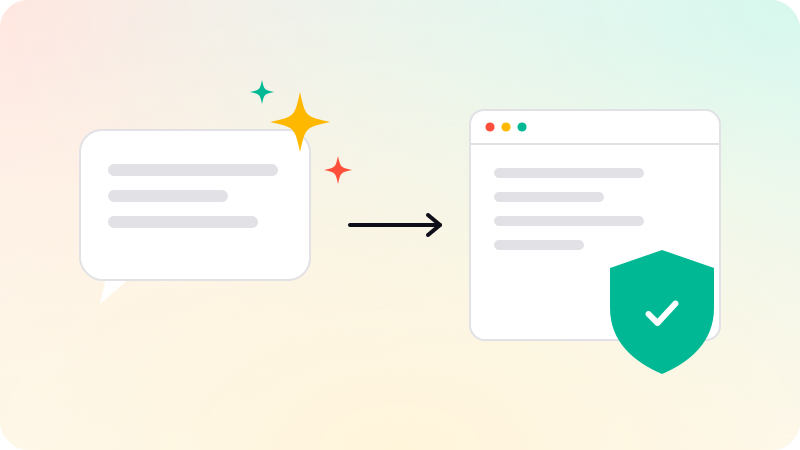
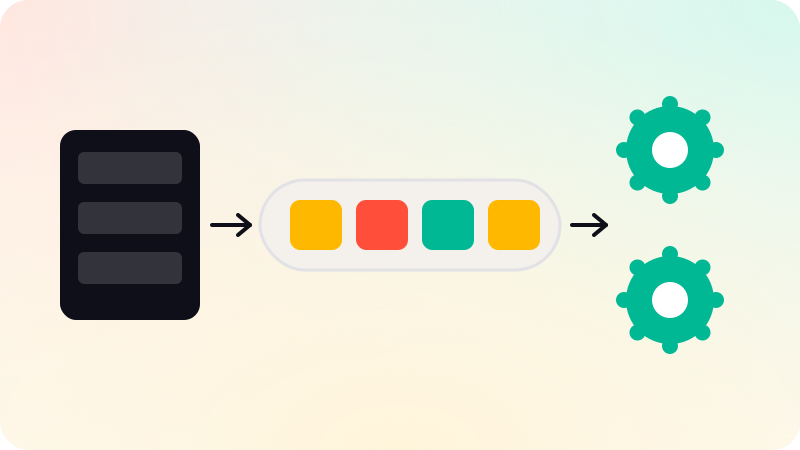
A background job is work your app does outside the user’s request: sending emails, generating reports, processing uploads, calling slow APIs or AI models. The web server puts a job on a queue and responds immediately; separate worker processes take jobs off the queue and do them. This keeps pages fast, survives slow or failing services through retries, and lets you scale workers separately. Jobs must be safe to run twice, because retries happen.
Key points
- Anything slow or unreliable moves out of the request.
- The web server queues a job and responds straight away.
- Workers process jobs and retry failures.
- Make every job safe to run more than once.
- Watch the queue: failed and stuck jobs need alerts.
Why move work to the background
Heroku’s guide notes that a typical web app responds to most requests in well under a second, and that slow or unpredictable work ties up web processes and causes timeouts under load. If a request has to wait for an email provider, a PDF to render or an AI model to answer, every user waits too.
| Good background jobs | Why |
|---|---|
| Sending email and notifications | Outside services can be slow or down |
| Generating reports and exports | Can take minutes |
| Processing images, video and documents | Heavy on CPU and memory |
| AI calls that are not shown live | Slow, and may need retries |
| Syncing with other systems | Rate limits and failures need retries |
| Scheduled tasks | Daily summaries, cleanup, renewals |
How a queue works
- The user triggers something, for example "export my data".
- The web server saves a job to the queue and replies "your export is being prepared".
- A worker takes the job, does the work and stores the result.
- The user is notified, or the page shows the result when it is ready.
- If the job fails, the queue retries it later, with a limit.
Common tools include BullMQ with Redis for Node.js, Sidekiq for Ruby, Celery for Python, Postgres-based queues, and managed services from cloud providers.
Making jobs safe
- Idempotent: running a job twice has the same effect as once. Check whether the email was already sent before sending.
- Small: pass an ID, not a large payload, and load fresh data in the worker.
- Bounded: limit retries, then move the job to a failed list for review.
- Observable: alert on failed jobs and on a growing queue.
- Secure: workers check that the data still belongs to the right account.
Incoming webhooks are often best handled by queuing a job and replying at once. See API vs webhook and What is serverless?. Queues and workers are part of web app development.
Sources
Checked when this guide was written.