 BYD Tech
The short answer
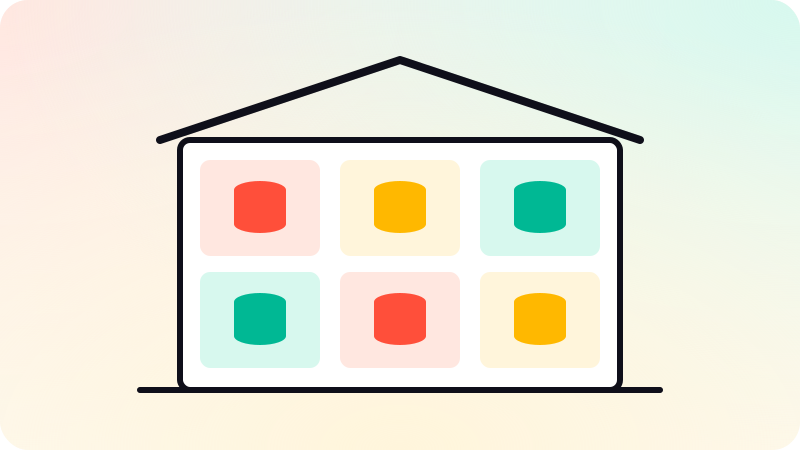
Multi-tenant architecture means one software system serves many customers, called tenants, while keeping each tenant’s data separate. The common models are a shared database with a tenant ID on every row, a separate schema per tenant, or a separate database per tenant. Most new SaaS products start with a shared database and a tenant ID, enforced in one place so no query can forget it, and move large or regulated customers to their own database later.
Key points
- A tenant is one customer organization, with its own users and data.
- Shared database with a tenant ID is the usual starting point.
- Enforce tenant isolation centrally, never per query by hand.
- Separate databases cost more but isolate more.
- Plan for one large tenant affecting everyone else.
The three common models
| Model | Isolation | Cost and effort | Good for |
|---|---|---|---|
| Shared database, tenant ID on rows | Logical, enforced by code or the database | Lowest | Most new SaaS products |
| Schema per tenant | Stronger, separate tables | Medium, migrations run per schema | Moderate numbers of larger tenants |
| Database per tenant | Strongest | Highest, many databases to run | Large, regulated or high-value customers |
Microsoft’s architecture guidance for multitenant solutions describes these and hybrids of them. Many products mix models: most tenants share, and a few large ones get their own database.
Keeping tenants apart
- Work out the tenant from the signed-in user on the server, never from a value the browser sends.
- Apply the tenant filter in one place: a data-access layer, or row-level security in the database.
- Postgres row-level security can make the database itself refuse rows from other tenants.
- Write tests that sign in as one tenant and try to read another’s data.
- Include the tenant in caches, file storage paths and background jobs too.
Leaking one customer’s data to another is the failure that ends SaaS businesses, so isolation is worth more care than any other part of the design.
Noisy neighbors
When tenants share resources, one busy tenant can slow everyone down. Rate limits per tenant, background queues, and the option to move a heavy tenant to its own database keep that under control.
How to start
- Add a tenant (organization or workspace) to the data model on day one, even with one customer.
- Put the tenant ID on every table that holds customer data.
- Enforce the filter centrally, and test it.
- Combine it with roles inside each tenant. See What is RBAC?.
- Keep the option of moving a tenant to its own database later.
Adding tenancy to an app built without it is one of the most painful retrofits. That is why it belongs in the first version. See What is a SaaS MVP?. Multi-tenant SaaS is among the products we build in web app development.
Sources
Checked when this guide was written.