 BYD Tech
The short answer
An offline-first app treats the phone’s own storage as the main source of data and the server as something to sync with when a connection is available. People can keep working with no signal: filling forms, taking photos, checking jobs. Changes are queued and sent when the connection returns. It matters most for field teams, rural areas and anywhere signal is unreliable, and the hard part is deciding what happens when two people change the same thing.
Key points
- Offline-first: work locally, sync later. Not "show an error when offline".
- Essential for field service, inspections, delivery and remote work.
- Changes are queued on the device and sent when connected.
- Plan for conflicts: two edits to the same record while apart.
- Show the user clearly what is saved and what is still waiting to sync.
What offline-first means
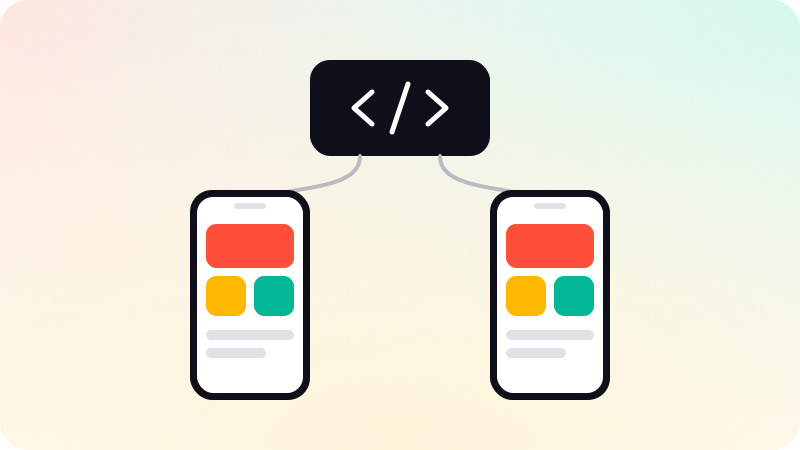
Most apps assume a connection and fail without one. An offline-first app reverses the assumption: it reads from and writes to storage on the device, so it is fast and always available, and a background process keeps that storage in step with the server.
The idea comes from the web as much as from mobile. web.dev’s Offline Cookbook describes the caching patterns behind offline web apps, and the same thinking applies to native apps with a local database.
When you need it
- Field teams: technicians, inspectors and surveyors in basements, plants and rural sites.
- Delivery and logistics, on the move between coverage areas.
- Healthcare or social work visits where signal is unreliable.
- Any app where losing a filled-in form would be costly.
Many consumer apps need only light offline support: cached content and a clear message. Full offline-first design adds real work, so match it to the need.
How syncing works
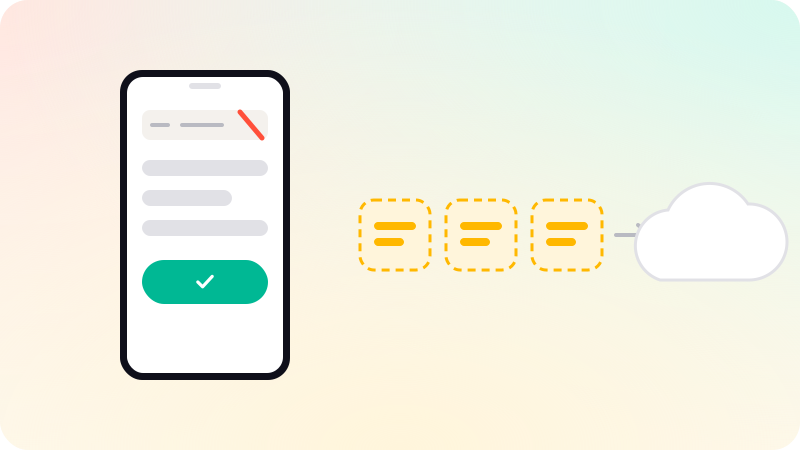
- The app saves every change to its local database immediately.
- Each change is added to a queue of things to send.
- When a connection is available, the queue is sent to the server in order.
- The server confirms, and the app marks those changes as synced.
- New changes from the server are pulled down and merged into local data.
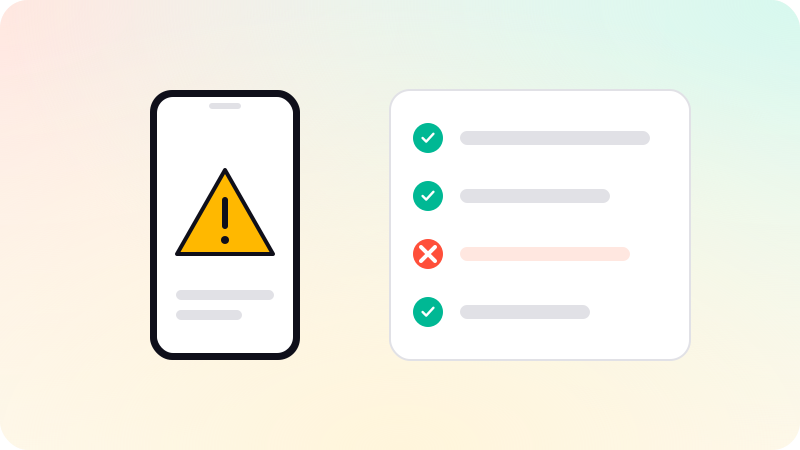
Conflicts: the part to design carefully
| Approach | How it works | Suits |
|---|---|---|
| Last write wins | The most recent change replaces the other | Data where overwriting is harmless |
| Field-level merge | Changes to different fields are combined | Forms edited by several people |
| Ask the user | Both versions are shown and someone chooses | Important records |
| Avoid conflicts | Assign records so only one person edits each | Job-based field work |
The simplest fix is often in the workflow, not the code: if each job is assigned to one technician, two people rarely edit it at once.
What users need to see
- A clear sign of being offline, without blocking work.
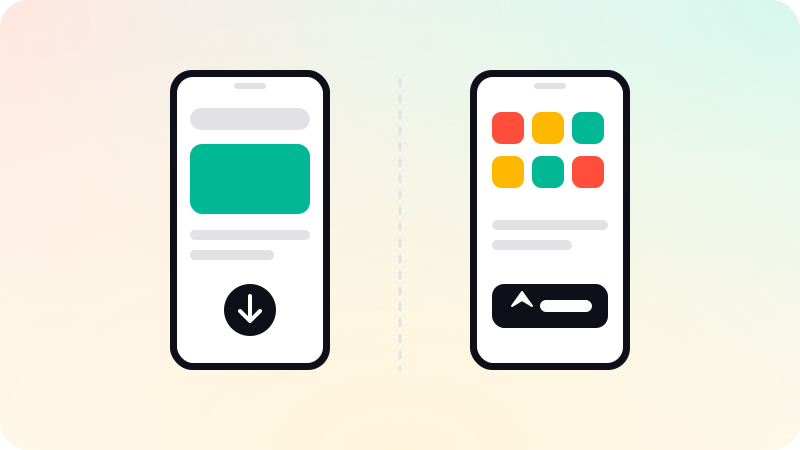
- Which items are saved on the phone and which have reached the server.
- Photos and large files uploading in the background, with progress.
- A warning before logging out with unsynced changes.
Team apps that keep working offline and sync when the signal returns are part of our mobile app development work. If a web app could do the job instead, see PWA vs native app.
Sources
Checked when this guide was written.