 BYD Tech
The short answer
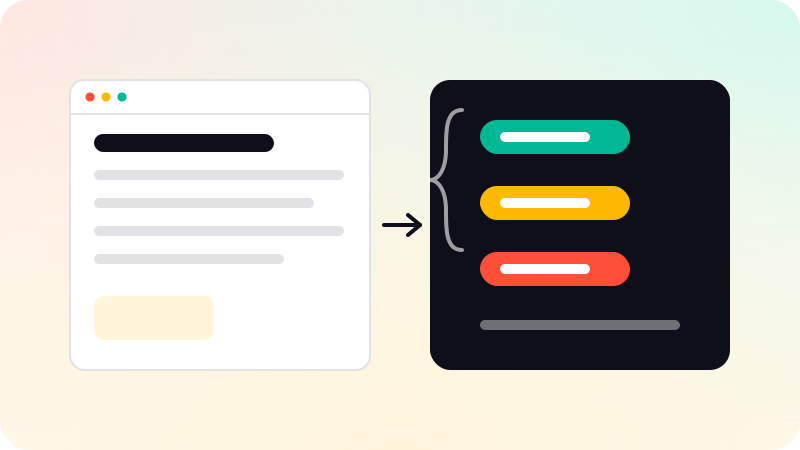
Schema markup is structured data, usually written in JSON-LD, that describes a page in a vocabulary search engines understand, from schema.org: this is an organization, this is an article, this is a breadcrumb trail. It helps search engines and AI systems understand your pages and can make some pages eligible for rich results. A startup site typically needs Organization and WebSite markup, breadcrumbs, and Article markup on guides or posts, all matching what the page actually shows.
Key points
- Schema markup describes the page in a shared vocabulary from schema.org.
- JSON-LD in a script tag is the format Google recommends.
- Startup essentials: Organization, WebSite, BreadcrumbList, Article.
- Markup must match the visible page, or it can be treated as spam.
- Validate it, then check Search Console for errors.
What schema markup is
Search engines read your page text, but they still have to guess what things are. Structured data removes the guessing: it states, in a standard vocabulary, that the page is an article written by a certain organization on a certain date, or that a company has this logo and these profiles. The vocabulary is maintained at schema.org and used by Google, Bing and others.
Google’s introduction to structured data recommends JSON-LD: a block of data in a script tag, separate from the visible markup, which keeps it easy to maintain.
Which types a startup site needs
| Type | Where | What it tells search engines |
|---|---|---|
| Organization | Home page or every page | Your name, logo, contact and profiles |
| WebSite | Home page | The site’s name, which can appear in results |
| BreadcrumbList | Inner pages | Where the page sits in the site |
| Article | Guides and posts | Headline, author, publisher and dates |
| Service | Service pages | What you offer and who provides it |
| FAQPage | Pages with visible FAQs | Questions and their answers |
Not every type produces a visible rich result. Google now shows FAQ rich results only for a small set of authoritative sites, for example. The markup still describes the page for other search engines and AI systems.
How to add it
- Generate the markup from the same data that renders the page, never by hand on a separate copy.
- Place it in a JSON-LD script tag in the page.
- Link related items by ID, so the page, the article and the organization form one connected graph.
- Validate with the Schema.org validator and Google’s Rich Results Test.
- Watch the enhancement reports in Search Console after launch.
Common mistakes
- Marking up content that is not on the page, such as reviews or FAQs that visitors cannot see.
- Self-written reviews or ratings, which are not eligible for review stars.
- Profiles in sameAs that are not really yours.
- Outdated information, such as an old logo or address.
- Copying markup between pages, so every page claims to be the same thing.
Google treats markup that misrepresents the page as a spam issue, so accuracy matters more than coverage. How this fits with being cited by AI answers is in Generative engine optimization. Every page on this site carries structured data generated from its own content, and we do the same in website development.
Sources
Checked when this guide was written.