 BYD Tech
The short answer
A website redesign or a move to a new platform, such as from WordPress to Next.js, can lose search traffic if addresses change without care. To protect rankings, list every URL that gets traffic, map each one to its new address, set up permanent 301 redirects, keep the content and titles that rank, and check everything on a staging site before launch. After launch, submit the new sitemap and watch Search Console closely for errors.
Key points
- Every old URL that matters needs a 301 redirect to its closest new page.
- Keep content, titles and headings that already rank, unless improving them.
- Check the new site on staging, but block it from search engines there.
- Submit the new sitemap and monitor Search Console after launch.
- Expect some movement, and fix errors quickly.
Before you start: measure and list
- Export your pages with traffic and impressions from Search Console and analytics.
- Crawl the current site to list every URL, title and description.
- Note the pages that earn links from other sites.
- Record current rankings for your important searches.
Map every old URL to a new one
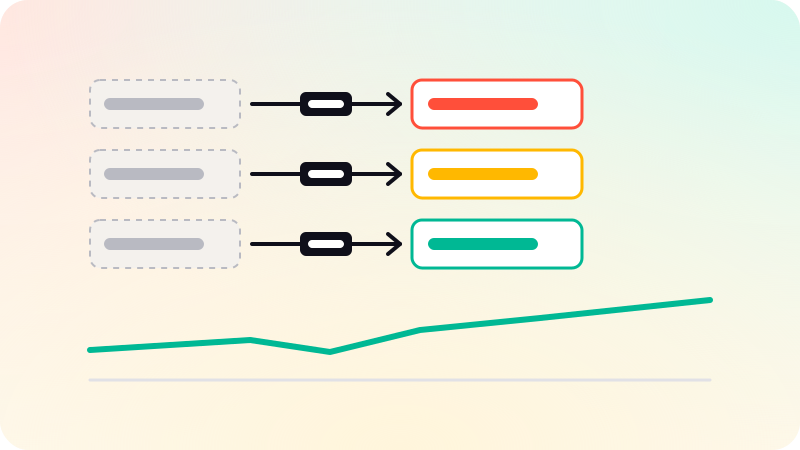
Google’s guidance on moving a site with URL changes centers on one thing: map old URLs to new ones, and redirect them. Each old page should point to the most relevant new page, not to the home page.
- Keep URLs the same wherever you can. No redirect beats a good redirect.
- Use permanent 301 redirects for every changed URL.
- Redirect straight to the final page, without chains.
- Only redirect to the home page when there is truly no equivalent.
- Keep the redirects in place for the long term.
Protect what ranks
- Keep the main content of pages that rank, or improve it, rather than cutting it.
- Carry over titles, descriptions and headings, then refine them deliberately.
- Keep internal links pointing to the pages that matter.
- Carry over structured data, and canonical tags pointing to the new addresses.
- Keep image alt text and file names meaningful.
Check on staging, without it being indexed
- Build the new site on a staging address protected by a password or noindex.
- Test every redirect from your URL map.
- Crawl the staging site for broken links and missing titles.
- Check speed and mobile layout. See Core Web Vitals explained.
- Remove the staging protection on the live site at launch. Forgetting this is a common disaster.
After launch
- Submit the new sitemap in Google Search Console and Bing Webmaster Tools.
- Check robots.txt and that pages are not set to noindex.
- Watch Search Console for 404s and crawl errors, and fix them.
- Compare traffic and rankings with your baseline over the following weeks.
- Request indexing for the most important pages.
The wider technical checklist is in Technical SEO checklist, and the platform choice in Next.js vs WordPress. Rebuilds of slow WordPress and page-builder sites are part of our website development work.
Sources
Checked when this guide was written.