 BYD Tech
The short answer
AI search usually means two things: semantic search, which finds content by meaning rather than exact words, and answer-style search, which writes a short answer from your own pages and links to the sources it used. Most sites get the best results from hybrid search, which runs keyword and semantic search together and merges the results, with an answer on top only where the content can support one. The hard parts are choosing what to index, keeping it fresh, and measuring whether people find what they came for.
Key points
- Keyword search is precise for names, codes and exact phrases; semantic search catches different wording for the same idea. Hybrid search uses both.
- Answer-style search is retrieval plus a language model. It should cite the pages it used and say so when it cannot find an answer.
- What you index matters more than which model you use. Leave out drafts, outdated pages and anything the searcher is not allowed to see.
- Re-index when content changes, and remove pages from the index when they are unpublished.
- Track zero-result searches, clicks on results and reports of wrong answers, and review a sample of real searches by hand.
Keyword, semantic and hybrid search
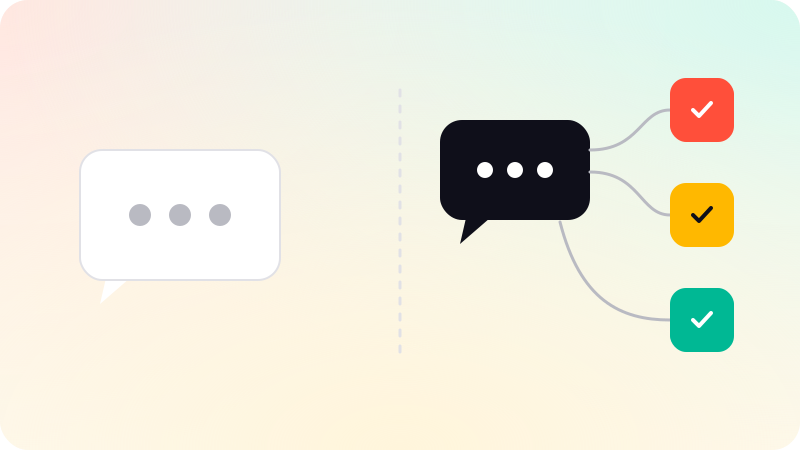
Traditional site search matches the words in a query against the words in your pages. It is fast and predictable, and it fails when the visitor uses different words from the page: someone searching “cancel my plan” may miss a page titled “Ending your subscription”.
Semantic search turns the query and each piece of content into embeddings, lists of numbers that place text with similar meaning close together, and returns the closest matches. It handles synonyms and loosely worded questions well. It is weaker at exact matches. Microsoft’s documentation for its hosted search service notes that queries over product codes, specialized jargon, dates and people’s names often do better with keyword search, because it finds exact matches.
| Approach | Finds | Good at | Weak at |
|---|---|---|---|
| Keyword | Pages containing the query’s words | Names, codes, part numbers, exact phrases | Synonyms, questions in different words |
| Semantic | Pages with similar meaning | Natural questions, varied wording, some cross-language matches | Exact identifiers, rare terms, explaining why a result matched |
| Hybrid | Both lists, merged into one ranking | Mixed traffic, which most sites have | More moving parts to tune |
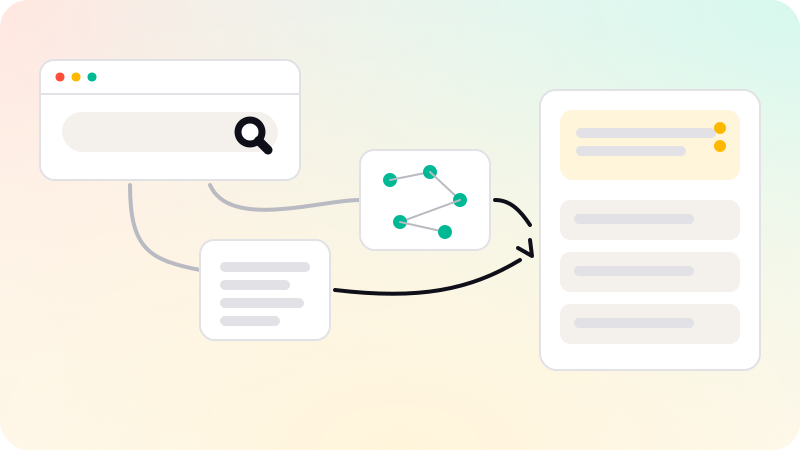
Hybrid search runs both queries at once and merges the two ranked lists, often with a method called reciprocal rank fusion, which rewards results that rank well in either list. Hybrid search: combining BM25 and vector search explains how the merge works and how to tune it.
Answer-style search with citations
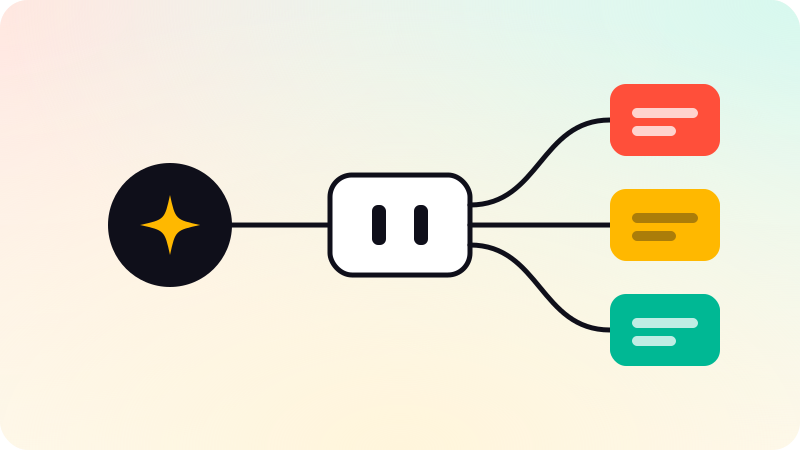
Answer-style search goes a step further. The search step finds the most relevant passages, then a language model reads them and writes a short answer, with links to the passages it used. The technique is called retrieval-augmented generation, or RAG, from a research paper that combined a language model with a searchable index so its answers could draw on, and point back to, specific documents.
- Show the sources next to the answer, as links to the exact pages or sections, so visitors can check it.
- Keep the normal result list under the answer. Many visitors want to open a page, not read a summary.
- Offer answers only for question-like queries. A search for a product name usually wants a product page, not a paragraph.
- Let the model say it does not know. An answer drawn from nothing is worse than no answer.
Answer-style search adds model usage to every search, so it is worth checking how often visitors read the answer before you show it on every query.
What to index and how to keep it fresh
Search quality depends mostly on the content you feed it. Start with an inventory: help articles, product pages, documentation, blog posts, FAQs, policies, and in an app, the user’s own records.
- Index what visitors look for, and leave out drafts, archived versions, duplicates and pages kept only for old links.
- Store each item’s title, URL, section heading, content type and last-updated date alongside the text, so results can show them and filters can use them.
- In an app or a members area, store who may see each item, and filter by it on the server before results are returned or passed to a model. OWASP warns that a shared vector store can leak one group’s content into another group’s results unless access is enforced.
- Only index content from sources you trust. OWASP also recommends validating documents before they enter a retrieval index, because hidden text in a document can steer a model’s answer.
Freshness is the part teams forget. A search that confidently quotes last year’s policy does more harm than a slow one.
- Re-index a page when it is published or edited, triggered by your CMS or app, rather than waiting for a scheduled crawl.
- Remove a page from the index when it is unpublished or deleted, including all of its chunks.
- Run a scheduled full re-index as a safety net, and compare the count of indexed items with the count of published ones.
- Show the last-updated date in results so visitors can judge for themselves.
Chunking: how content is split for search
Long pages are split into smaller pieces, called chunks, before they are turned into embeddings. A chunk that is too large blurs several topics into one vector; one that is too small loses the context that made it make sense.
- Split along the content’s own structure where you can: headings, sections and FAQ entries, rather than a fixed number of characters.
- Keep the page title and section heading with every chunk, so a passage that says “it” still makes sense on its own.
- Link every chunk back to its page and anchor, so results and citations open in the right place.
- Treat tables, code and lists with care. Splitting a table in half separates its rows from its column names.
The trade-offs between fixed-size, structural and semantic chunking are covered in Chunking strategies for RAG.
Where a vector database fits
Semantic search needs somewhere to store embeddings and find the nearest ones quickly. That is the job of a vector database or a vector index. It can be a dedicated product, a hosted search service with vector support, or an extension to the database you already run.
For a typical website, with thousands of pages rather than hundreds of millions, the choice matters less than people expect. What matters more is that the store can filter by metadata such as language, content type and permissions in the same query, and that it supports keyword search too if you want hybrid. Use the same embedding model when you index and when you search; switching models means re-indexing everything. What is a vector database? explains the options.
A hosted search service or your own build
You do not have to build search from parts. Hosted search services handle crawling or indexing, ranking, typo tolerance and often semantic and answer features. Building your own gives more control over ranking, data handling and how search connects to the rest of your product.
| Question | Hosted search service | Your own build |
|---|---|---|
| Effort to a first working version | Lower: configure, index, add the search box | Higher: indexing, ranking, interface and operations are yours |
| Control over ranking and answers | Within the settings the service offers | Complete |
| Private or per-user content | Possible, but check how permissions are modeled | Built to match your own permission rules |
| Where the data lives | With the service, under its terms | Where you choose |
| What drives cost | Usually records indexed and searches run | Hosting, model usage and the team’s time |
| Switching later | Re-index elsewhere; ranking settings may not carry over | Your code and index stay with you |
Public marketing sites and documentation often do well with a hosted service. Search over private, per-customer data inside an app, or search that has to work closely with your product’s permissions, is more often built.
How to measure search quality
Search is easy to demo and hard to judge from a demo. Log every query, with personal data removed, and look at what happens next.
- Zero-result queries: searches that return nothing. They show missing content, missing synonyms or indexing gaps, and are usually the quickest wins.
- Click-through: how often a search leads to a click, and how far down the list the click is. Clicks on the first results suggest good ranking.
- Reformulations: a visitor searching again straight away with different words usually did not find it the first time.
- Answer feedback: a thumbs up or down on generated answers, and a way to report a wrong one.
- Outcomes: whether searchers go on to do what the site is for, such as finishing a sign-up or not opening a support ticket.
Numbers do not tell you whether an answer was true. Review a sample of real queries and answers by hand on a regular schedule, mark each as right, partly right or wrong, and keep the hard ones as a test set to rerun whenever you change chunking, ranking, the embedding model or the answer prompt.
Handling made-up answers
A language model can write a fluent answer that the sources do not support. On a company website that can mean a wrong refund rule or a feature you do not have, stated with confidence. OWASP lists this risk as misinformation and recommends grounding answers in retrieved, trusted content, encouraging users to check sources, human review for sensitive topics, and telling users clearly what the AI can and cannot do.
- Instruct the model to answer only from the passages provided, and to say it could not find an answer otherwise.
- Skip the answer when retrieval returns nothing relevant, and show ordinary results instead.
- Show citations, and check automatically that every cited link was among the passages retrieved.
- Label generated answers as AI-written, and keep topics such as pricing, legal terms or medical advice out of generated answers if a wrong answer would be costly.
More techniques, from better retrieval to verification steps, are in How to reduce AI hallucinations.
If you are planning AI search for your site or product, AI agent development describes how we approach the build: the code lives in your GitHub from day one, and the founders are on the calls.
Sources
Checked when this guide was written.