 BYD Tech
The short answer
App store optimization, or ASO, is the work of making an app easier to find and more likely to be installed in the Apple App Store and Google Play. It covers the app name, subtitle or short description, keywords, screenshots, preview video, ratings and reviews. Both stores limit the app name to 30 characters, so every word counts. Start with the words your users actually search for, show the main benefit in the first screenshots, and test changes one at a time.
Key points
- ASO covers search ranking and the decision to install.
- App names are limited to 30 characters on both stores.
- Apple has a 100-character keyword field; Google reads your description.
- The first screenshots do most of the selling.
- Ratings and a working app matter more than any keyword.
The fields that matter
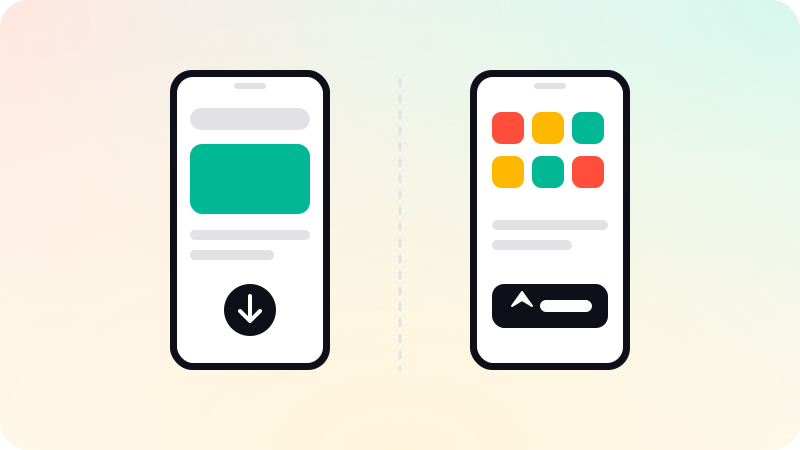
| Field | App Store | Google Play |
|---|---|---|
| App name | Up to 30 characters | Up to 30 characters |
| Subtitle or short description | Subtitle, up to 30 characters | Short description, shown on the listing |
| Keywords | Hidden field, 100 characters, comma-separated | No keyword field; text in the listing is used |
| Promotional text | Up to 170 characters, can change without a new release | Not available |
| Description | First sentence matters most | Full description, read for search |
Choosing keywords
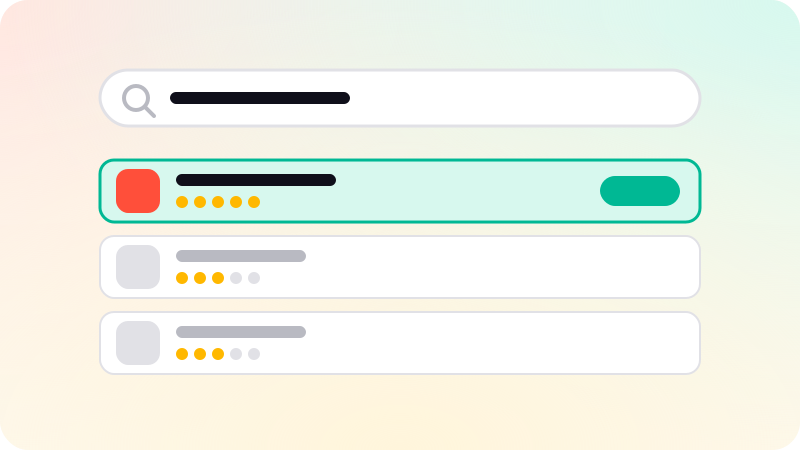
- List the words your users would type, not your internal feature names.
- Check the store search suggestions as you type each one.
- Look at which apps rank for each phrase and how established they are.
- Put the most important phrase in the name or subtitle, naturally.
- On Apple, use the keyword field for the rest: no spaces after commas, no repeats of words already in the name.
Do not use competitors’ trademarks or unrelated popular terms. Both stores reject or remove listings that do. See App Store rejection reasons.
Turning views into installs
- Make the first two or three screenshots tell the main benefit in a few words.
- Show the real app, not mock scenes that promise features it does not have.
- Use a simple, recognizable icon that reads at small sizes.
- Keep the preview video short and start with the key moment.
- Use the stores’ own testing tools: product page optimization on Apple, store listing experiments on Google Play.
Ratings, reviews and quality
Ratings affect both ranking and the decision to install. Ask for a rating with the official in-app review prompts, after a moment of success, and not more than the store allows. Reply to reviews, fix what they report, and keep crashes low: Google Play uses technical quality, such as crash rate, in how it presents apps.
Before launch, see How to publish an app on Google Play. We prepare store listings with you as part of mobile app development.
Sources
Checked when this guide was written.