 BYD Tech
The short answer
Getting from Figma to working code is mostly about the handoff, not the tool. A clean file uses shared components and named styles, covers every state of every screen, and explains behavior a static picture cannot show. Developers then build from the same components and tokens. Plugins and AI tools can generate code from a design, but the output still needs a developer to make it correct, accessible and maintainable.
Key points
- Organize the file: shared components, named colors and type, clear page structure.
- Design every state: empty, loading, error, long text, first use.
- Annotate behavior a picture cannot show.
- Match design components to code components, with shared tokens.
- Generated code is a starting draft, not a finished product.
What a buildable design file looks like
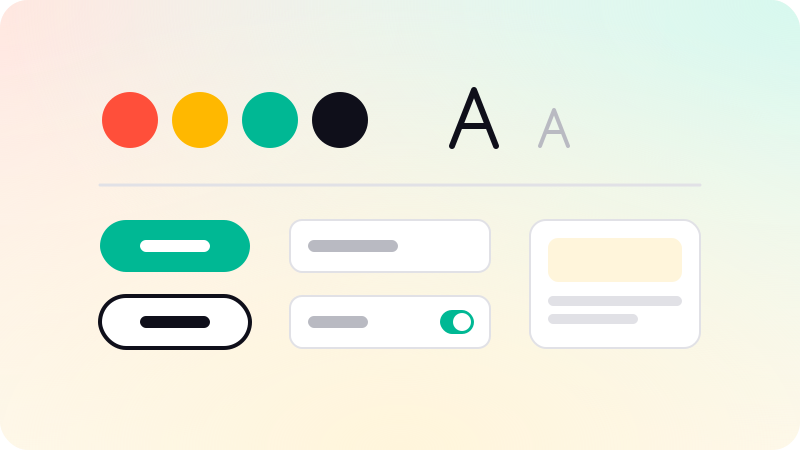
- Components for everything that repeats: buttons, inputs, cards, navigation.
- Named color, type and spacing styles, never one-off values.
- Auto layout, so spacing and resizing behave like the real thing.
- Pages organized by flow, with final screens clearly marked.
- Real content, including long names and empty lists.
Design the states nobody draws
| State | Question it answers |
|---|---|
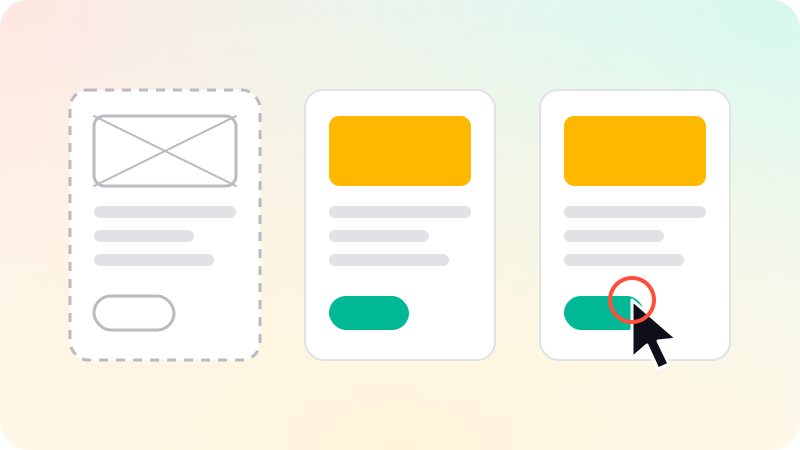
| Empty | What does a new user see before there is any data? |
| Loading | What shows while data is on its way? |
| Error | What happens when something fails, and what can the user do? |
| Long content | What happens with a very long name or many items? |
| Interaction | Hover, focus, pressed and disabled for every control |
| Small screens | How does the layout change on a phone? |
When these are missing, developers invent them, and the product starts to look inconsistent. Good empty and error states are also a large part of SaaS onboarding.
The handoff itself
- Mark which frames are ready to build.
- Use Figma’s Dev Mode, or an equivalent, so developers can inspect sizes, styles and assets.
- Annotate behavior: animations, validation rules, what happens on click.
- Walk through the flow together in a call, and record the questions.
- Keep one place for decisions, so changes after handoff are visible.
Plugins and AI that turn designs into code
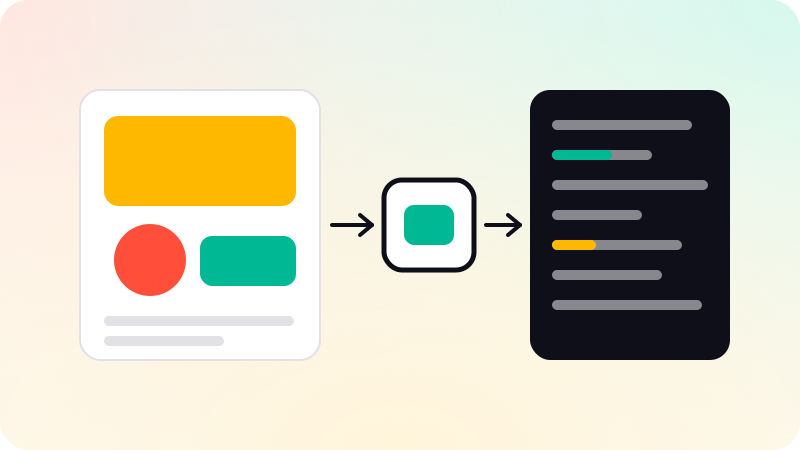
Tools that generate code from a Figma frame have improved, and AI coding tools can now read a design and produce a working screen. They are useful for a first draft. They tend to produce fixed sizes, duplicated styles and missing states, and they do not know your existing components unless told. Treat the result as a draft for a developer to fit into the real codebase.
In UI/UX design, your developers get a clean Figma file with specs and a walkthrough call, or the same team builds it. The stages before handoff are in Wireframe vs mockup vs prototype.
Sources
Checked when this guide was written.