 BYD Tech
The short answer
Over-the-air (OTA) updates let a React Native app download new JavaScript, styles and images from a server and use them on next launch, without a new app store release. Tools such as Expo’s EAS Update make this routine. They cannot change native code, native libraries, permissions or the SDK version: those still need a store build. Apple’s rules forbid downloaded code that changes an app’s features or purpose, so use OTA for fixes and small improvements, roll out gradually, and keep a way to roll back.
Key points
- OTA updates change JavaScript, styles and images, not native code.
- Great for urgent bug fixes and copy changes.
- New permissions or native libraries need a store release.
- Do not use OTA to change what the app fundamentally does.
- Roll out gradually and keep a rollback ready.
How OTA updates work
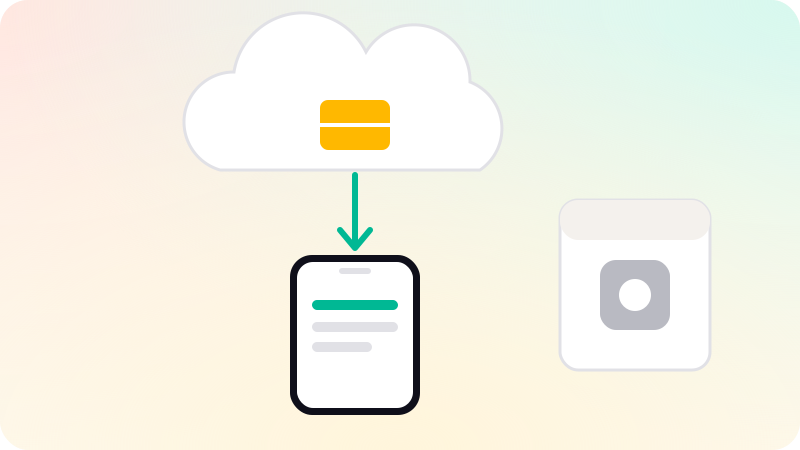
A React Native app has two layers: native code compiled into the store build, and a JavaScript bundle with the app’s screens and logic. An OTA system publishes a new bundle to a server; the app checks for it, downloads it, and runs it on the next start. Expo’s documentation describes EAS Update as updating the app’s non-native pieces, such as JavaScript, styling and images, over the air.
What OTA can and cannot change
| Change | OTA update? |
|---|---|
| Fix a bug in JavaScript logic | Yes |
| Change copy, translations, colors, layouts | Yes |
| Replace images bundled with the app | Yes |
| Add a native library, such as a new payments SDK | No: store release |
| Request a new permission, such as camera or location | No: store release |
| Upgrade the Expo SDK or React Native version | No: store release |
Store rules
Apple’s App Review Guidelines say apps may not download, install or execute code that introduces or changes features or functionality. In practice, OTA updates are widely used for bug fixes and small improvements within what was reviewed. Shipping a substantially different app or new features that would need review through OTA risks rejection or removal.
Rolling out safely
- Publish updates by channel, so testers get them before everyone.
- Roll out to a percentage of users first, and watch crash reports.
- Make sure each update targets only builds with the matching native code.
- Keep the previous update ready to republish as a rollback.
- Do not rely on OTA alone: release store builds regularly too.
Watch crashes closely after each update. See Mobile app crash reporting and Expo vs React Native CLI. We build apps in React Native in mobile app development.
Sources
Checked when this guide was written.