 BYD Tech
The short answer
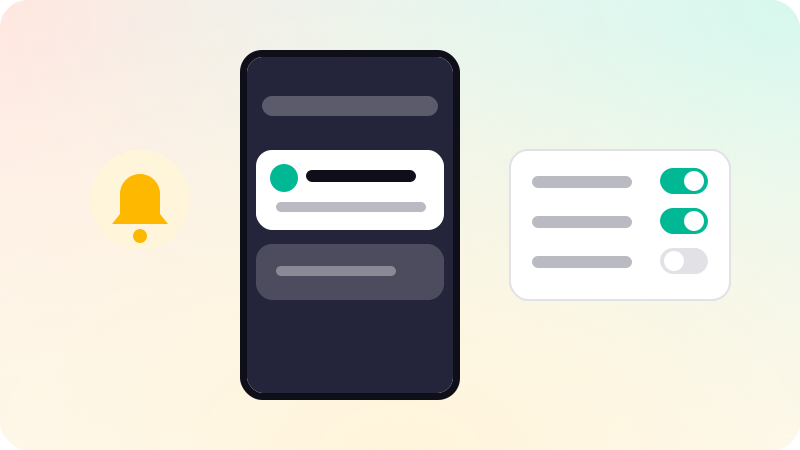
Good push notifications are timely, personal and useful: an order shipped, a reply to your message, a reminder the user asked for. Ask for permission when the value is clear rather than on first launch, let users choose which kinds they get, send each one to the exact screen it mentions, and limit how many you send. Measure opt-outs and uninstalls alongside opens, because a notification that annoys costs more than it earns.
Key points
- Send what the user would want to know, not what you want to say.
- Ask for permission in context, after explaining the benefit.
- Let users choose categories instead of all or nothing.
- Every notification opens the screen it is about.
- Watch opt-outs and uninstalls, not just open rates.
What is worth sending
| Kind | Example | Usually welcome? |
|---|---|---|
| Transactional | Your order has shipped | Yes |
| Social | Priya replied to your comment | Yes, if not too frequent |
| Reminders the user set | Your appointment is in an hour | Yes |
| Personal updates | A price dropped on something you saved | Often |
| Promotional | Weekend sale, 20 percent off | Rarely, and only with consent |
| Re-engagement | We miss you | Almost never |
Asking for permission
On iOS, and on Android 13 and later, the app must ask before sending notifications, and a refusal is hard to undo. Asking the moment the app opens, before the user knows what it does, wastes that one chance.
- Wait for a moment where notifications clearly help, such as placing an order or following someone.
- Explain on your own screen what you will send and why.
- Only then show the system permission prompt.
- If the user says no, respect it, and offer a way to turn them on later in settings.
Writing a good notification
- Lead with the specific news, not the app name.
- Keep it short enough to read on a lock screen.
- Do not put sensitive details, such as health or money information, in the visible text.
- Open the exact screen the notification mentions. See What is deep linking?.
- Group related notifications instead of sending a stream.
Timing and frequency
- Send at a sensible hour in the user’s own time zone.
- Cap marketing messages per week, and skip them for users who are already active.
- Offer categories, so a user can keep order updates and turn off promotions.
- Use Apple’s interruption levels honestly: time-sensitive only for things that truly are.
Measuring
Opens tell you a notification was noticed. Opt-outs, category switches and uninstalls tell you what it cost. Track both per notification type, and cut the types that lose more users than they bring back. Notification design is part of the flow work in our mobile app development, and the same care applies to onboarding. See SaaS onboarding best practices.
Sources
Checked when this guide was written.