 BYD Tech
The short answer
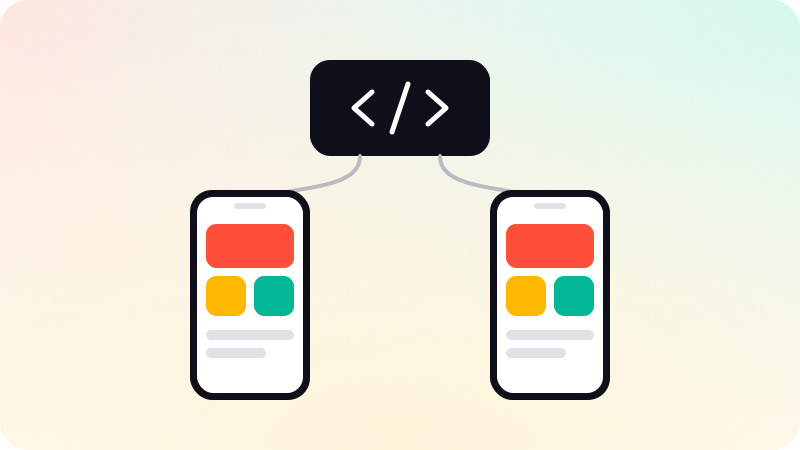
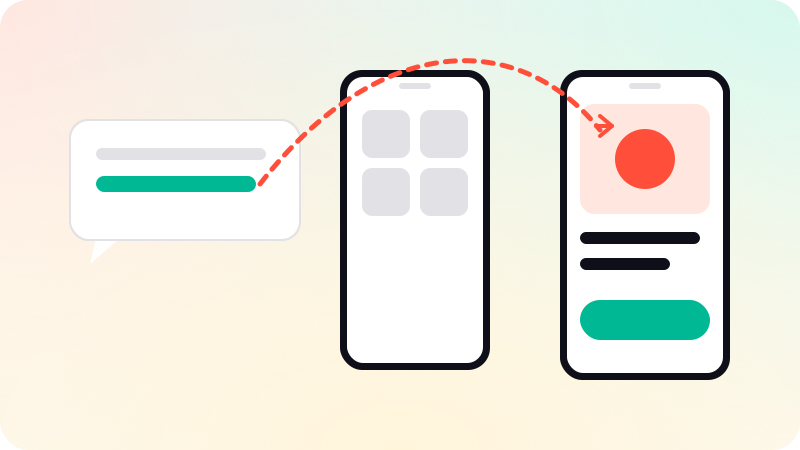
A deep link is a link that opens a specific screen inside a mobile app, such as a product, an order or an invite, instead of the app’s home screen. On iOS this is done with Universal Links and on Android with App Links: ordinary https links to your website that open the app when it is installed and fall back to the website when it is not. Both need a small verification file on your domain that proves you own the app and the site.
Key points
- Deep links take users straight to the right screen.
- Use https links (Universal Links, App Links), not custom schemes alone.
- A file on your website proves the app and domain belong together.
- When the app is not installed, the link opens your website.
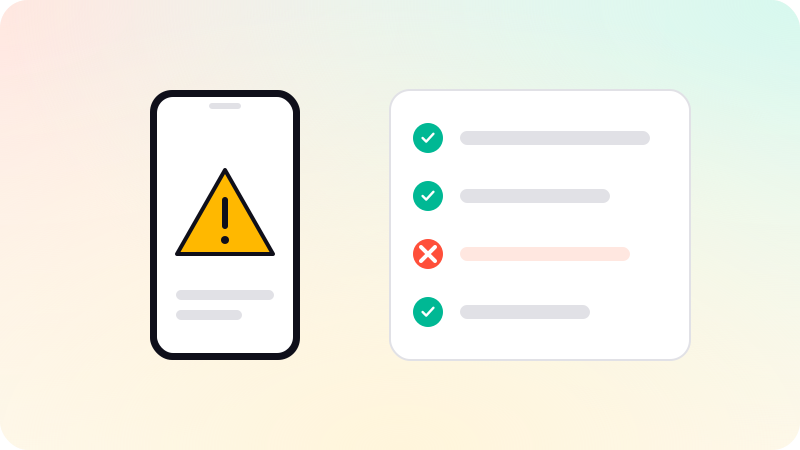
- Every deep link screen must handle a signed-out user and missing data.
Why deep links matter
Without deep links, a user taps a link in an email to "view your order" and lands on the app’s home screen, then has to find the order again. Many will not. Deep links are what make emails, push notifications, shared links, ads and QR codes take people exactly where they meant to go.
The kinds of deep link
| Kind | Looks like | Notes |
|---|---|---|
| Custom URL scheme | myapp://orders/123 | Easy, but fails if the app is not installed, and any app can claim the same scheme |
| Universal Links (iOS) | https://example.com/orders/123 | Verified against your domain, falls back to the website |
| App Links (Android) | https://example.com/orders/123 | Verified against your domain, opens the app without a chooser |
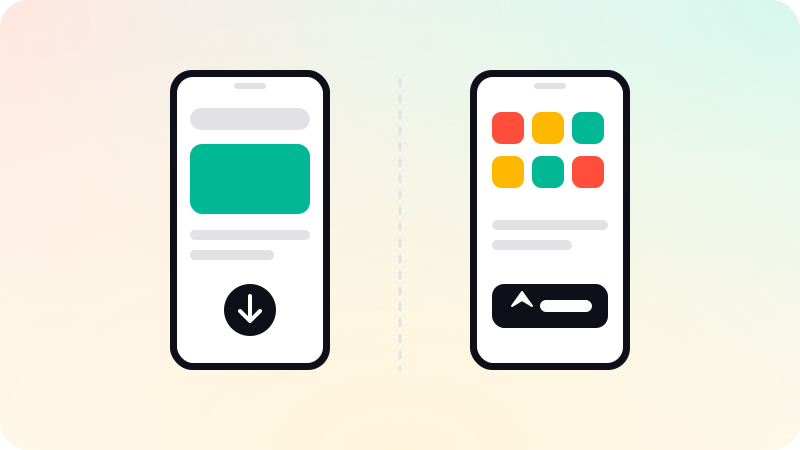
| Deferred deep link | Any of the above | Remembers the destination through an install, usually via a third-party service |
How setup works
- Decide which website paths should open which app screens.
- iOS: publish an apple-app-site-association file on your domain, and add the Associated Domains entitlement to the app.
- Android: publish a Digital Asset Links file at /.well-known/assetlinks.json, and add verified intent filters to the app.
- In the app, read the incoming link and route to the right screen.
- Make the same paths work on the website, for users without the app.
- Test on real devices, from email, messages and the browser.
In React Native, both platforms’ links can be handled in one routing setup. Expo Router maps links to screens by file path. See Expo vs React Native CLI.
Common pitfalls
- The verification file served with redirects, the wrong content type or behind a login, so verification silently fails.
- A link opening a screen that assumes the user is signed in.
- Links to items that were deleted, with no friendly fallback.
- Trusting data in the link, such as an ID, without checking the user may see it.
- Website paths and app routes drifting apart over time.
Deep links are an entry point like any other, so treat their contents as untrusted input. See Mobile app security best practices. We set up deep links as part of mobile app development.
Sources
Checked when this guide was written.