 BYD Tech
The short answer
Assume anything inside a mobile app can be read by a determined person, because apps can be downloaded and taken apart. So keep secrets on your server, store sensitive data only in the platform’s secure storage, use encrypted connections, check every permission on the server, keep dependencies current, and collect only the data you need. OWASP’s Mobile Top 10 and its Mobile Application Security project are the standard references.
Key points
- Never ship API secrets inside the app. Keep them on your server.
- Store tokens and sensitive data in the Keychain or Keystore, not plain storage.
- Every request must be authorized on the server, whatever the app shows.
- Use HTTPS everywhere, and keep dependencies up to date.
- Collect only what you need, and explain why in the permission prompt.
Start from the right assumption
A website keeps its logic on a server you control. A mobile app hands a copy of its code to every person who installs it. Anyone with the right tools can inspect it, change it and call your servers directly. Security therefore has to live on the server, with the app treated as an untrusted client.
The main risks
| Risk | What it looks like | What to do |
|---|---|---|
| Credentials in the app | API keys or secrets bundled with the code | Keep secrets on the server, use short-lived tokens |
| Insecure storage | Tokens or personal data in plain files | Use the Keychain on iOS and the Keystore on Android |
| Weak authorization | The server trusts what the app says | Check permissions on the server for every request |
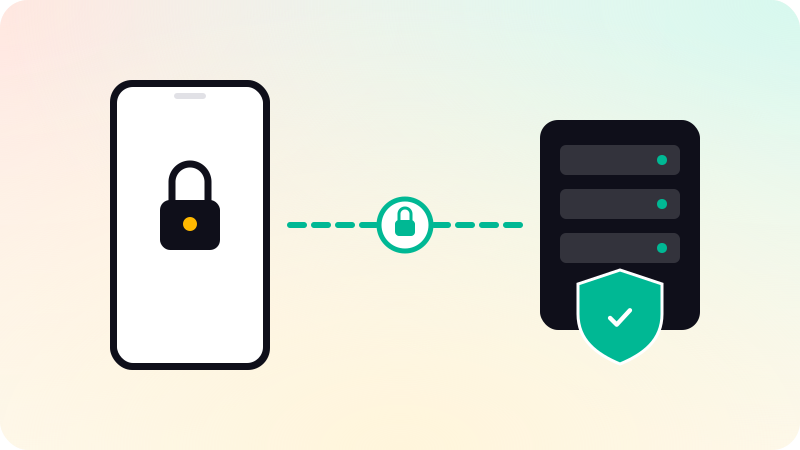
| Insecure communication | Unencrypted or unverified connections | HTTPS only, with proper certificate validation |
| Supply chain | Outdated or untrusted libraries and SDKs | Review and update dependencies regularly |
| Privacy | Collecting more than needed | Ask only for what the feature requires |
These map onto categories in the OWASP Mobile Top 10, such as improper credential usage, insecure data storage and inadequate supply chain security.
Practices to build in
- Keep secrets and business rules on the server. The app calls your API, and your API calls third parties.
- Use short-lived sign-in tokens, stored in secure storage, and support signing out everywhere.
- Validate all input on the server, regardless of checks in the app.
- Add rate limits to sign-in and sensitive endpoints.
- Turn off debug logging and test endpoints in release builds.
- Review every SDK you add: what data it collects and where it sends it.
- Keep the app and its dependencies updated, and watch for security advisories.
Privacy and store requirements
Both stores ask what data an app collects. Apple requires a privacy policy, clear permission explanations and in-app account deletion when accounts can be created. Google Play requires an accurate data safety form. Security and privacy work overlap here, and being accurate prevents both breaches and rejections. See App Store rejection reasons and How to publish an app on Google Play.
Testing security
- Use OWASP’s Mobile Application Security Verification Standard as a checklist.
- Try calling your API directly, without the app, and check what it allows.
- Inspect what the app stores on a test device.
- For apps handling payments, health or other sensitive data, get an independent security test.
In mobile app development, backend, database and keys live in accounts you own. Code written with AI help needs the same scrutiny, as covered in AI-generated code security.
Sources
Checked when this guide was written.