 BYD Tech
The short answer
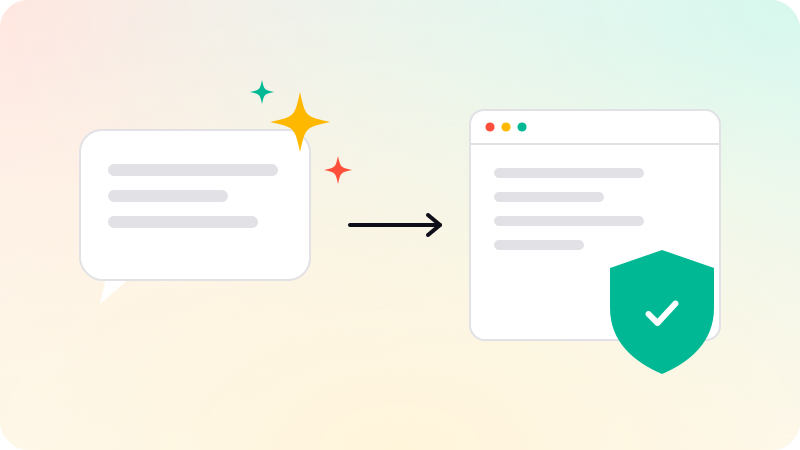
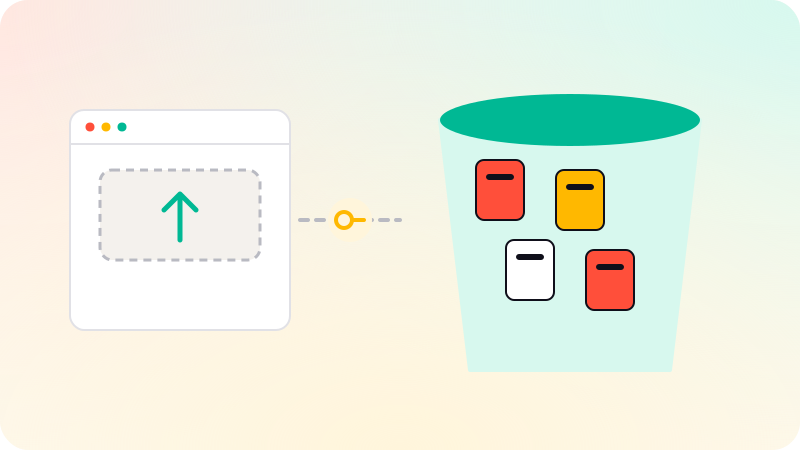
Object storage is a service for storing files, such as images, documents, videos and backups, as objects in containers called buckets, each with a unique key. Amazon S3 is the best-known example; Google Cloud Storage, Cloudflare R2 and Supabase Storage work the same way. Web apps keep files there instead of in the database or on the server’s disk. Keep buckets private, let users upload and download through short-lived signed URLs, and store only the file’s key in your database.
Key points
- Files go in object storage; their keys and details go in the database.
- Buckets are private by default. Keep them that way.
- Signed URLs give temporary access to one file.
- Upload directly from the browser to storage, not through your server.
- Turn on versioning or backups for files that matter.
Buckets, objects and keys
AWS describes S3 as storing data as objects within buckets. An object is a file plus metadata describing it; a bucket is a container for objects; a key is an object’s unique name in the bucket, such as invoices/2026/acme-0042.pdf. There are no real folders: slashes in keys only look like them.
| Store in object storage | Store in the database |
|---|---|
| The uploaded file itself | The file’s key, name, size and type |
| Images and their resized versions | Who uploaded it and when |
| Exports, reports, backups | Which record it belongs to, and who may see it |
Safe uploads and downloads
- The user asks your server to upload a file.
- Your server checks permissions and file type and size, then creates a signed upload URL valid for a few minutes.
- The browser uploads directly to storage with that URL.
- Your server records the key against the right record.
- For downloads, your server checks permission and returns a short-lived signed download URL.
This keeps large files off your server and keeps the bucket private: nobody can list or fetch files without a URL your code chose to issue.
Common mistakes
- Making a bucket public to "make images work", exposing private files. S3 blocks public access by default for this reason.
- Guessable keys, such as sequential numbers, combined with public access.
- Storing files as binary data in the database, which bloats backups and slows queries.
- Saving uploads to the server’s own disk, which is lost or not shared when servers change.
- No limits on file type or size.
- No versioning or backup for files customers rely on.
Choosing a service
The major services are similar for most apps; costs differ mainly in storage, requests and data transfer out, so check those for your expected usage. Put a CDN in front of public files such as product images. See What is a CDN? and Web app security checklist. File uploads and storage are part of web app development.
Sources
Checked when this guide was written.