 BYD Tech
The short answer
Before a web app launches, check the risks in the OWASP Top 10, the most widely used list of web application security risks. The 2025 edition puts broken access control first, followed by security misconfiguration and software supply chain failures. In practice that means checking permissions on the server for every request, hardening configuration and secrets, keeping dependencies patched, using parameterized queries, securing sign-in, and logging security events so you notice when something goes wrong.
Key points
- Access control is the top risk: check permissions on the server, every time.
- Secrets belong in a secrets store, never in code or the browser.
- Patch and audit your dependencies.
- Parameterized queries stop injection.
- Log security events, and alert on the ones that matter.
The OWASP Top 10:2025
| Rank | Risk | What to check |
|---|---|---|
| A01 | Broken Access Control | Every route and record checks who is asking and what they may see |
| A02 | Security Misconfiguration | No default accounts, debug off, security headers on |
| A03 | Software Supply Chain Failures | Dependencies pinned, audited and patched |
| A04 | Cryptographic Failures | HTTPS everywhere, passwords hashed with a slow algorithm |
| A05 | Injection | Parameterized queries, output encoding |
| A06 | Insecure Design | Threats considered at design time, rate limits on sensitive flows |
| A07 | Authentication Failures | Strong sign-in, multi-factor or passkeys, safe sessions |
| A08 | Software or Data Integrity Failures | Signed builds, trusted update sources |
| A09 | Security Logging and Alerting Failures | Security events logged and someone alerted |
| A10 | Mishandling of Exceptional Conditions | Errors fail safely and reveal nothing |
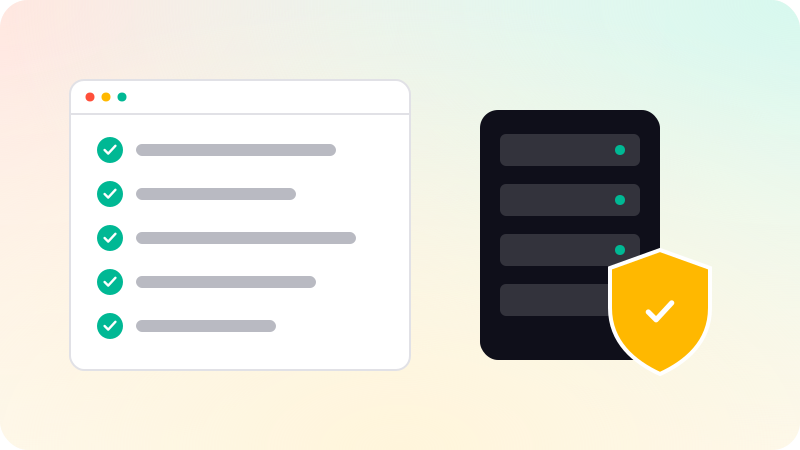
Before launch
- Test as two users in two organizations: can one see the other’s data by changing an ID?
- Hide nothing in the interface that the server does not also enforce.
- Move every key and password into environment variables or a secrets manager; rotate any that were ever committed.
- Run your package manager’s audit, and set up automatic dependency updates.
- Use your framework’s query builder or ORM, never strings glued together.
- Set security headers: HTTPS-only, a content security policy, no framing by other sites.
- Rate-limit sign-in, password reset and other sensitive endpoints.
- Return generic error messages to users and keep details in your logs.
- Back up the database and practise a restore.
After launch
- Watch dependency alerts and patch promptly.
- Review access logs for failed sign-ins and unusual patterns.
- Re-test access control whenever you add a role or resource.
- Consider an independent penetration test before handling sensitive data at scale.
Apps written with AI help need the same checks, and some extra ones. See AI-generated code security, What is RBAC? and What are passkeys?. Security is part of every build in web app development.
Sources
Checked when this guide was written.