 BYD Tech
The short answer
To beta test an iPhone app, upload a build to App Store Connect and invite testers through TestFlight: up to 100 internal team members, and up to 10,000 external testers once the build passes a short review. On Android, use Google Play’s internal, closed and open testing tracks. New personal Google Play accounts must run a closed test with at least 12 testers for 14 days before they can publish. Give testers specific tasks and an easy way to report problems.
Key points
- TestFlight: 100 internal and up to 10,000 external testers.
- TestFlight builds expire after 90 days.
- Google Play has internal, closed and open testing tracks.
- New personal Play accounts need 12 testers for 14 days first.
- Give testers tasks and an easy way to report problems.
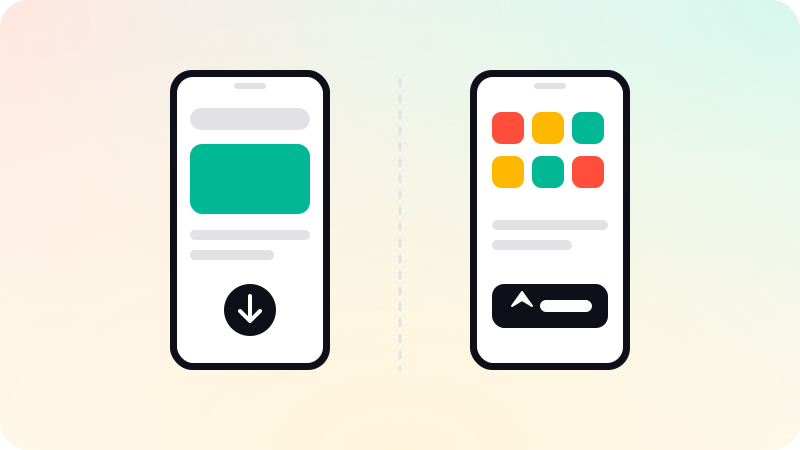
iOS: TestFlight
- Upload a build to App Store Connect.
- Add internal testers: up to 100 members of your team with App Store Connect roles. They can test right away.
- Create an external group and add the build. The first build goes through a brief TestFlight review.
- Invite up to 10,000 external testers by email or a public link.
- Testers install the TestFlight app and send feedback and screenshots from inside it.
Each build can be tested for up to 90 days, so upload fresh builds during a long beta.
Android: Google Play testing tracks
| Track | Who | Use it for |
|---|---|---|
| Internal testing | Up to 100 testers you name | Quick checks by the team |
| Closed testing | Testers you invite by email list or group | A private beta with real users |
| Open testing | Anyone who opts in from the store listing | A public beta |
Google Play requires personal developer accounts created after November 13, 2023 to run a closed test with at least 12 testers, opted in continuously for 14 days, before applying for production access. Plan for this in the launch schedule, or publish from an organization account. See How to publish an app on Google Play.
Running a useful beta
- Recruit testers who match your real users, not only friends and family.
- Give them specific tasks: sign up, complete the main action, invite someone.
- Add crash reporting and basic analytics before the beta starts.
- Make reporting easy, and reply so testers keep helping.
- Test on older and cheaper phones, not just new ones.
- Decide in advance what must be fixed before launch.
For finding design problems before a beta, see Usability testing. For the App Store release itself, see How to publish an app on the App Store. Beta builds and store releases are part of our mobile app development work.
Sources
Checked when this guide was written.